What you will accomplish: You will navigate and use the Scalepad Lifecycle Manager client screen to manage client segments.
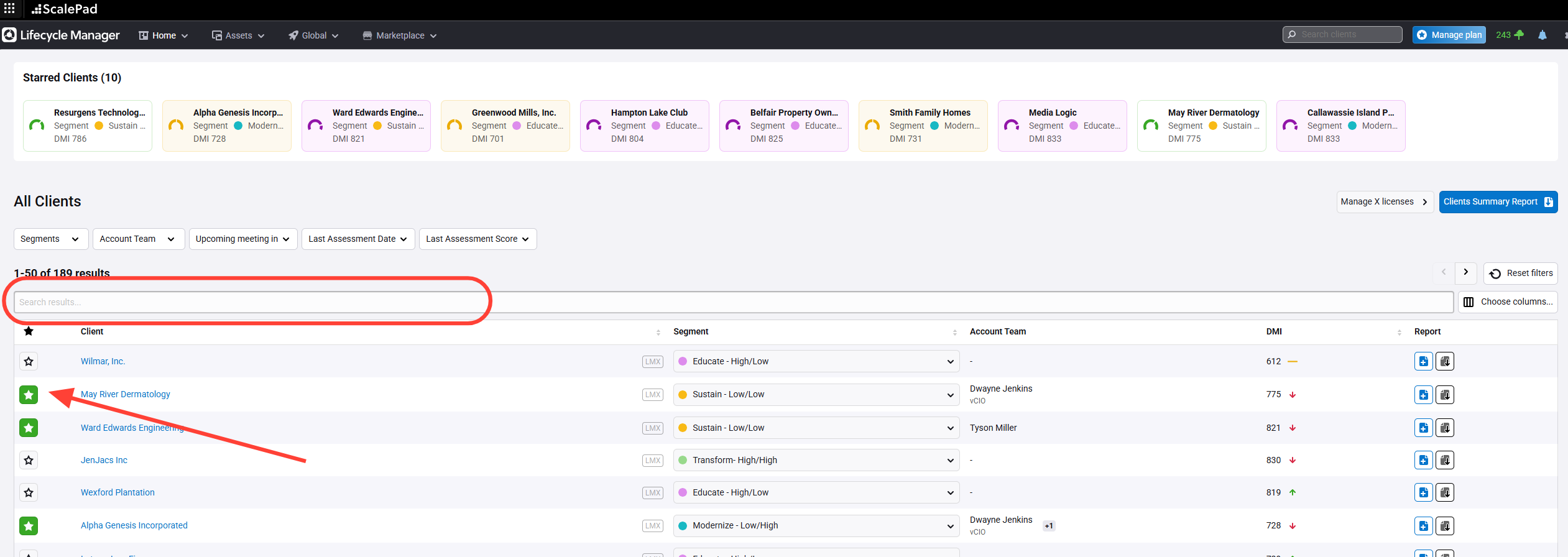
Find and Favorite Clients
- Search for clients on the main screen.
- Mark clients as favorites to add them to your starred list.
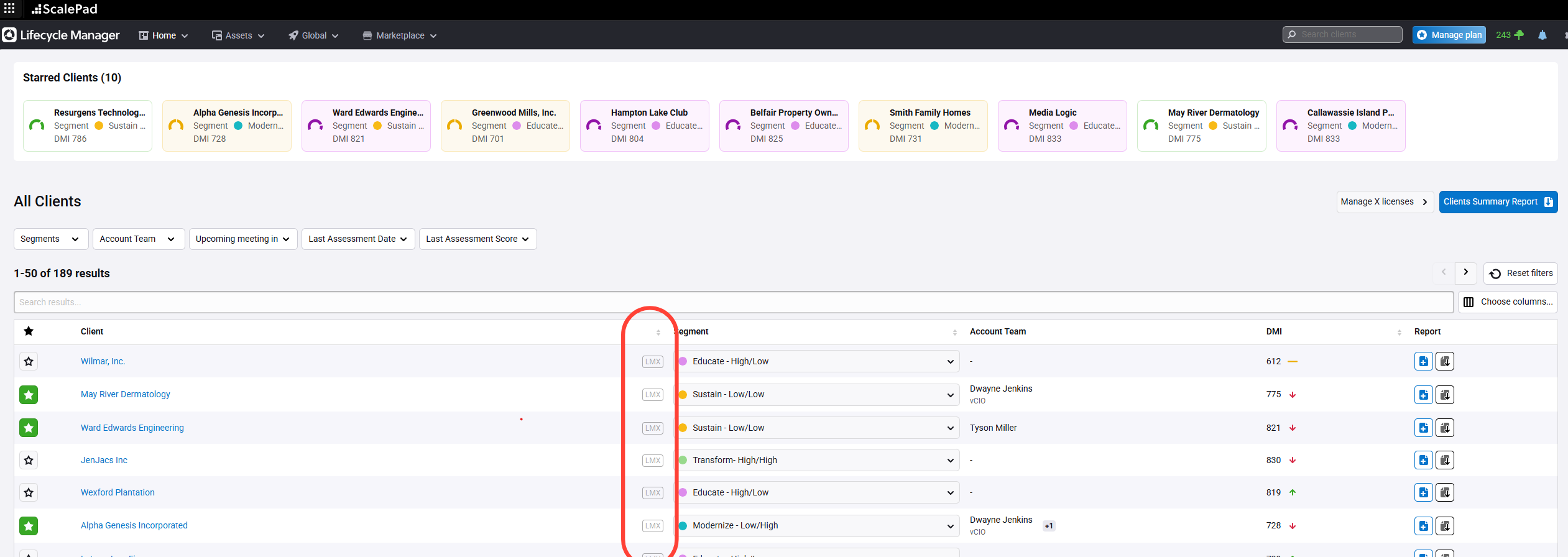
Check Client License Status
- Confirm clients have a Lifecycle Manager X License for full access.
- Request a license from an admin if needed.
Assign Client Segments
- Review each client’s segment (initially "not assigned").
- Assign a segment based on:
- IT maturity level
- Appetite for IT change
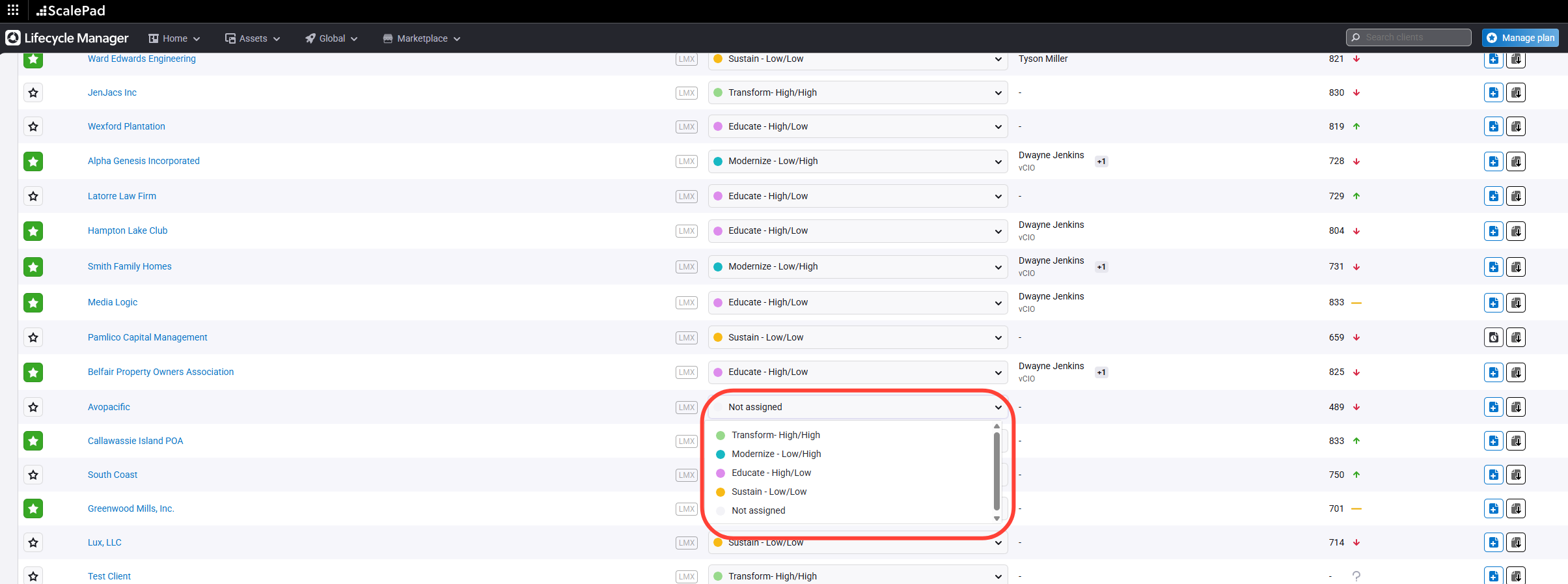
Understand Segment Labels
- Transform: High maturity, high appetite for change
- Modernize: Low maturity, high appetite
- Educate: High maturity, low appetite
- Sustain: Low maturity, low appetite
Allocate Time by Segment
- Modernize clients: Require more focus and resources
- Educate clients: Need less attention but offer improvement opportunities
- Sustain clients: Minimal effort, maintain current state