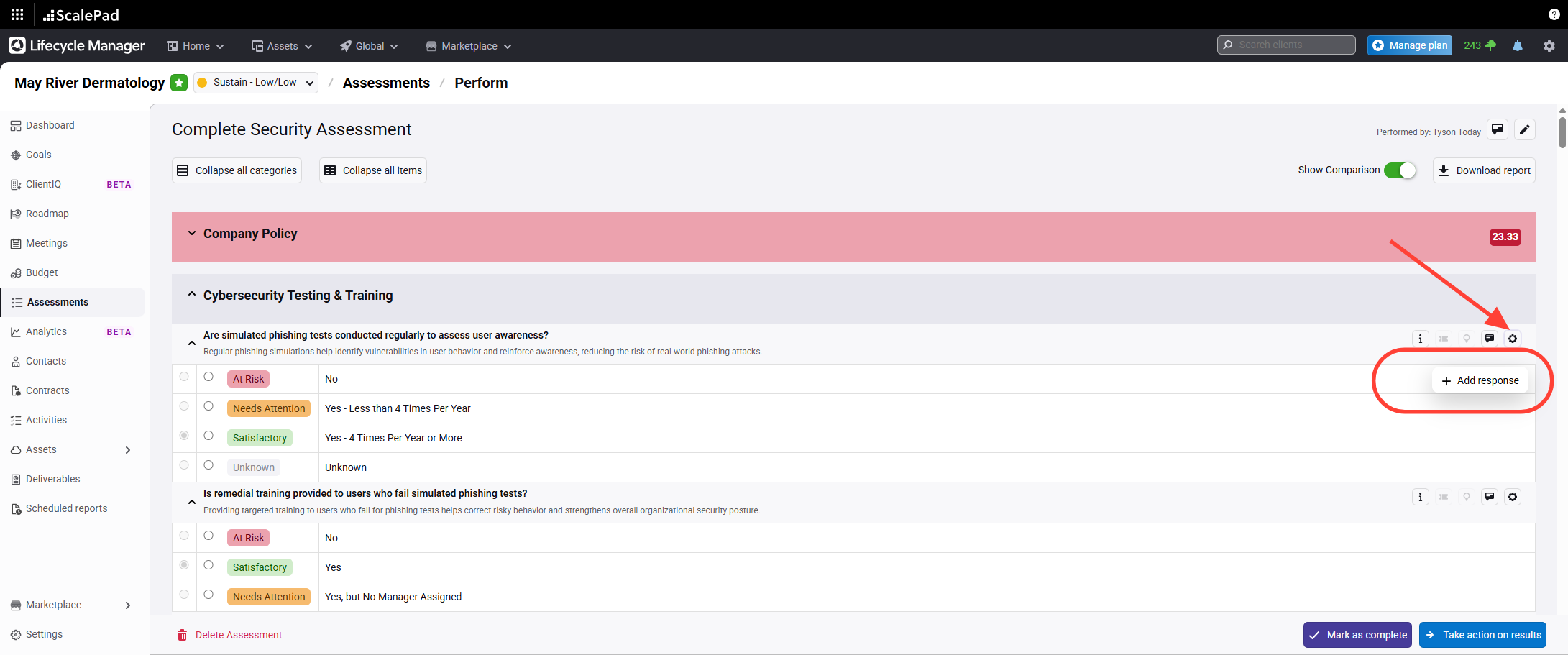
- Open the Add Response panel
Click Add response to begin adding a new option.
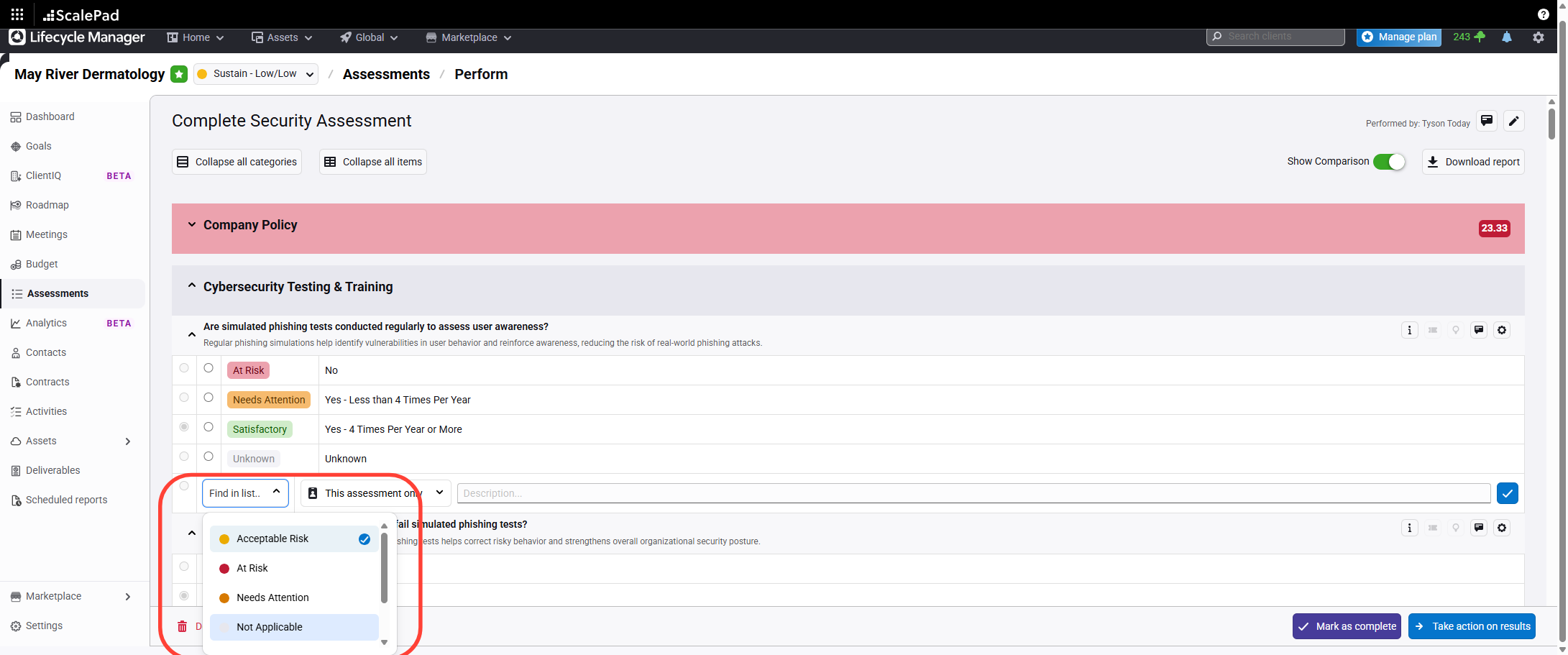
- Select the response type
Select the appropriate response type from the list.
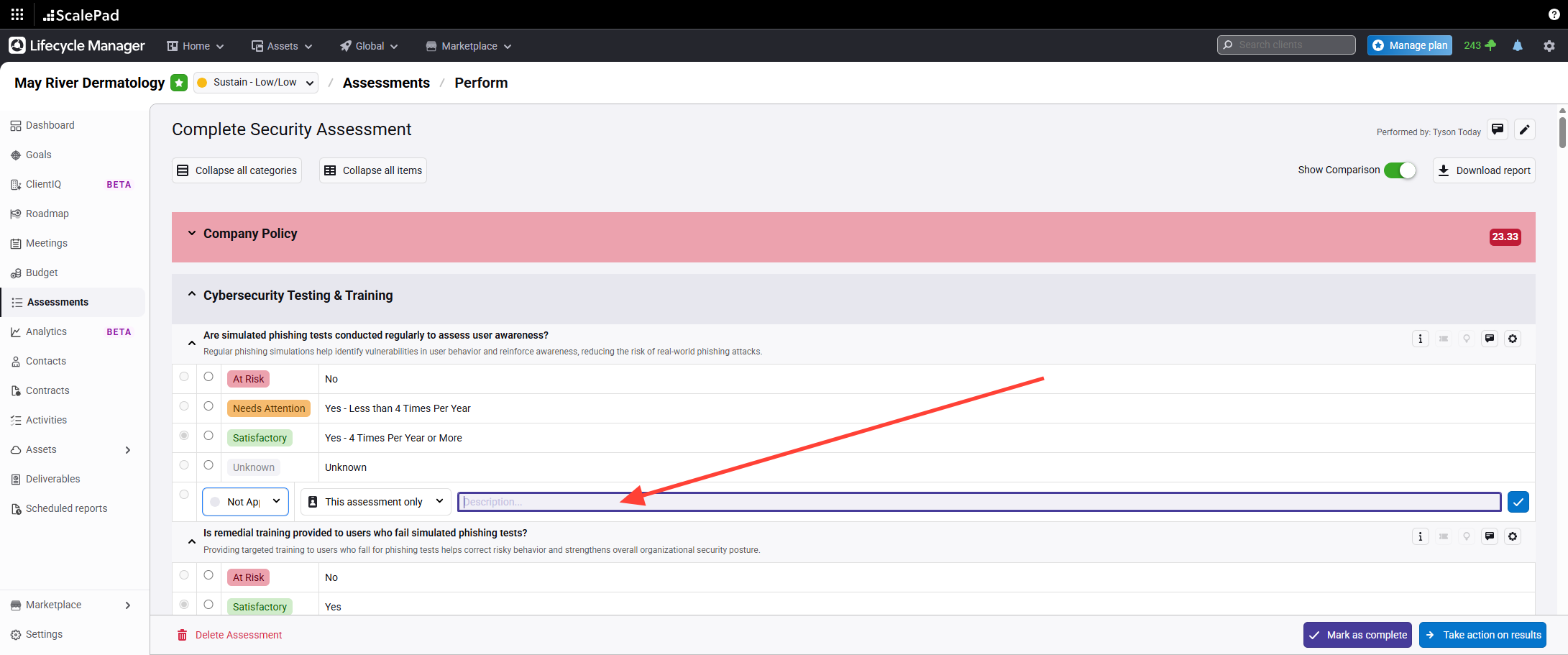
- Enter notes for the response
Enter any relevant notes in the provided field.
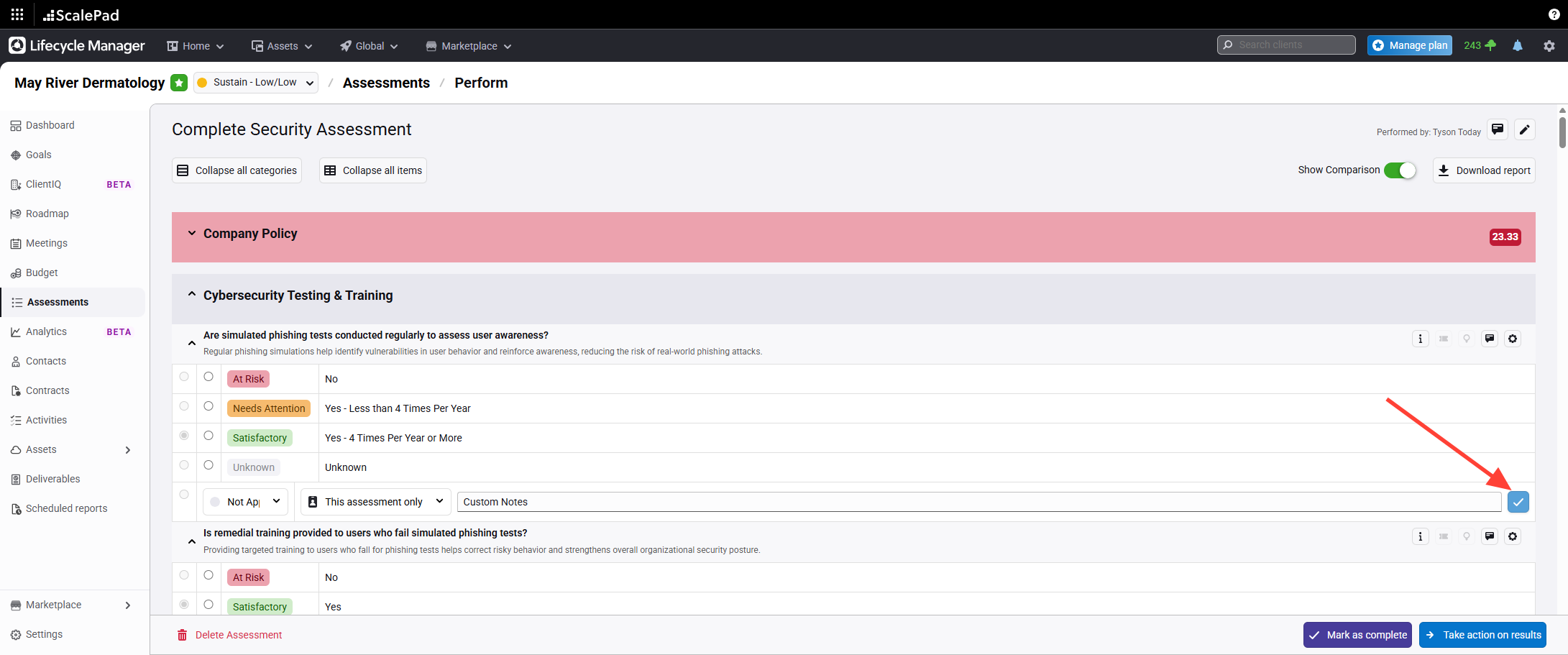
- Save the new response option
Click The Check Box to Save to add the response to the assessment.
NOTE: Added responses are not auto-select. You must select the choice once saving.
Adding Custom Responses to an Assessment
Updated on