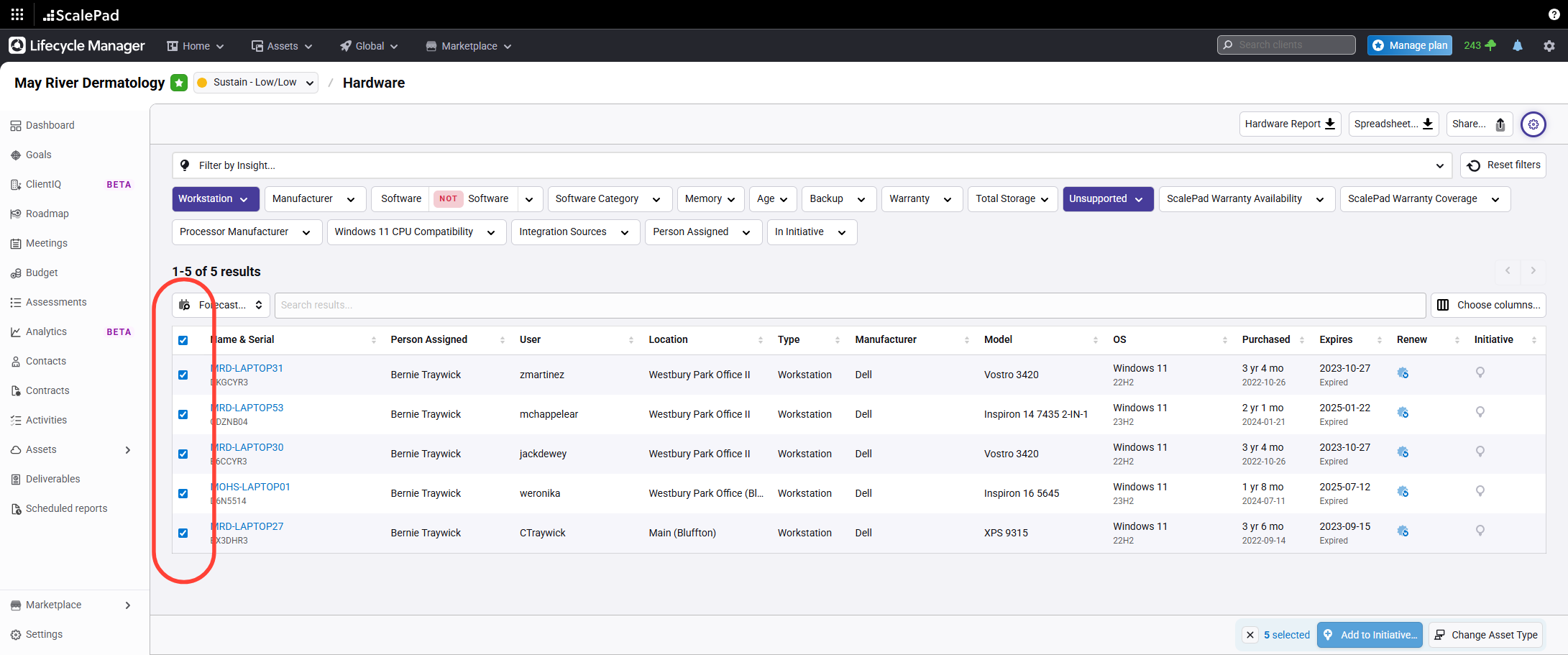
- Select assets in the Assets view
Highlight one or more assets in the Assets view.
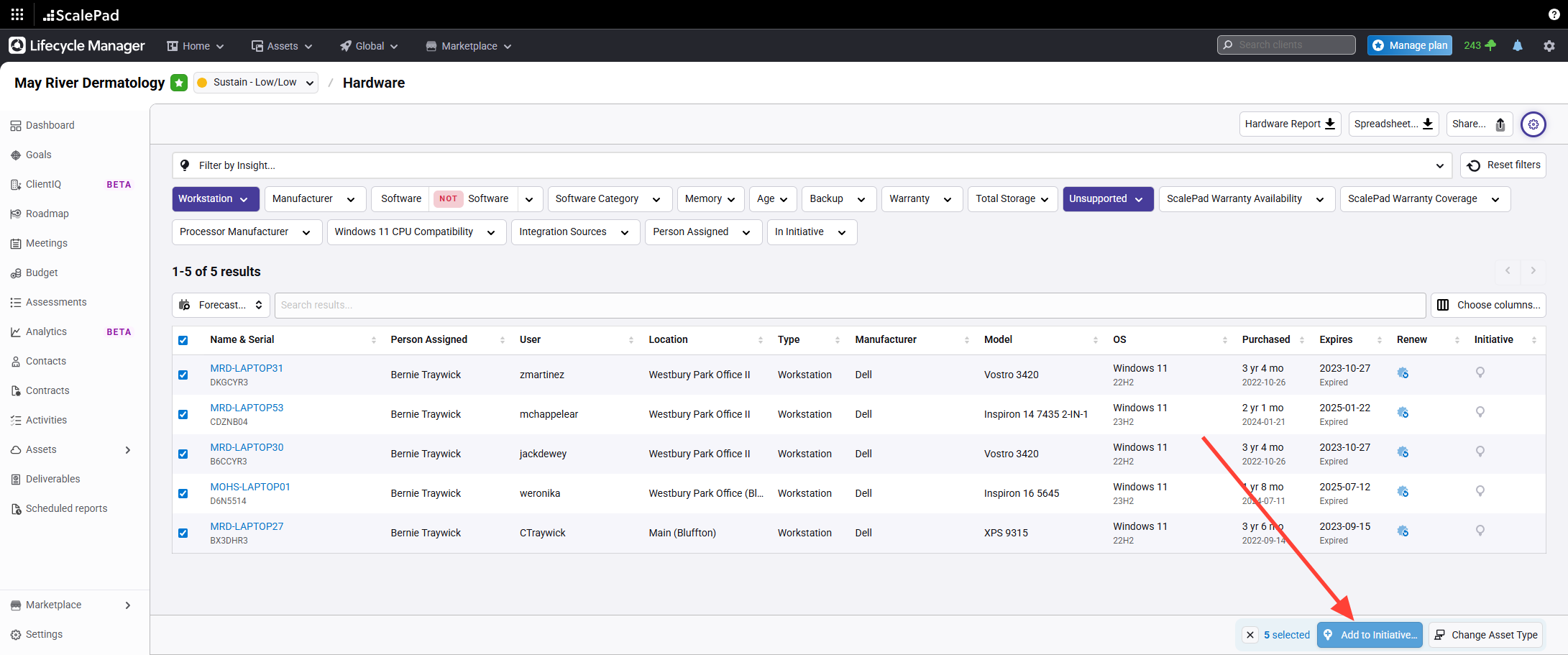
- Add selected assets to an initiative
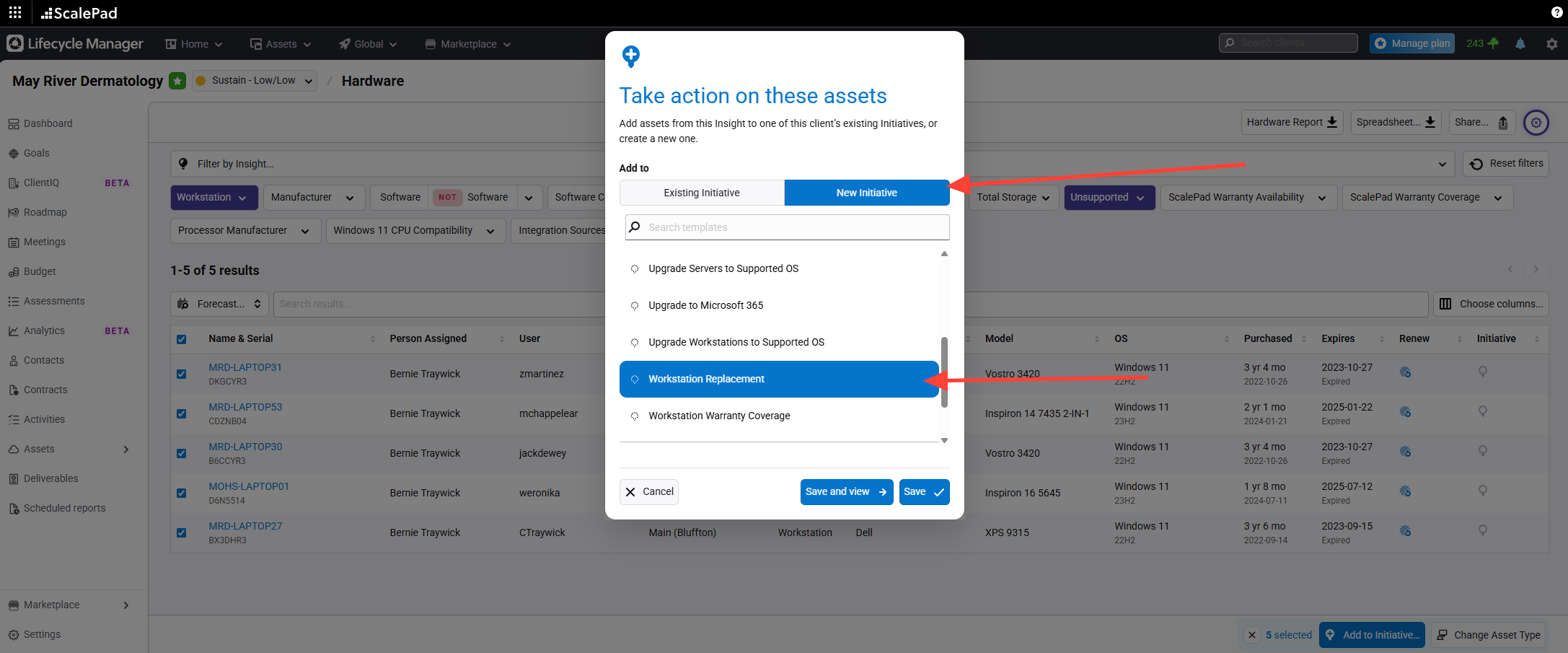
Click Add to initiative in the bottom right.
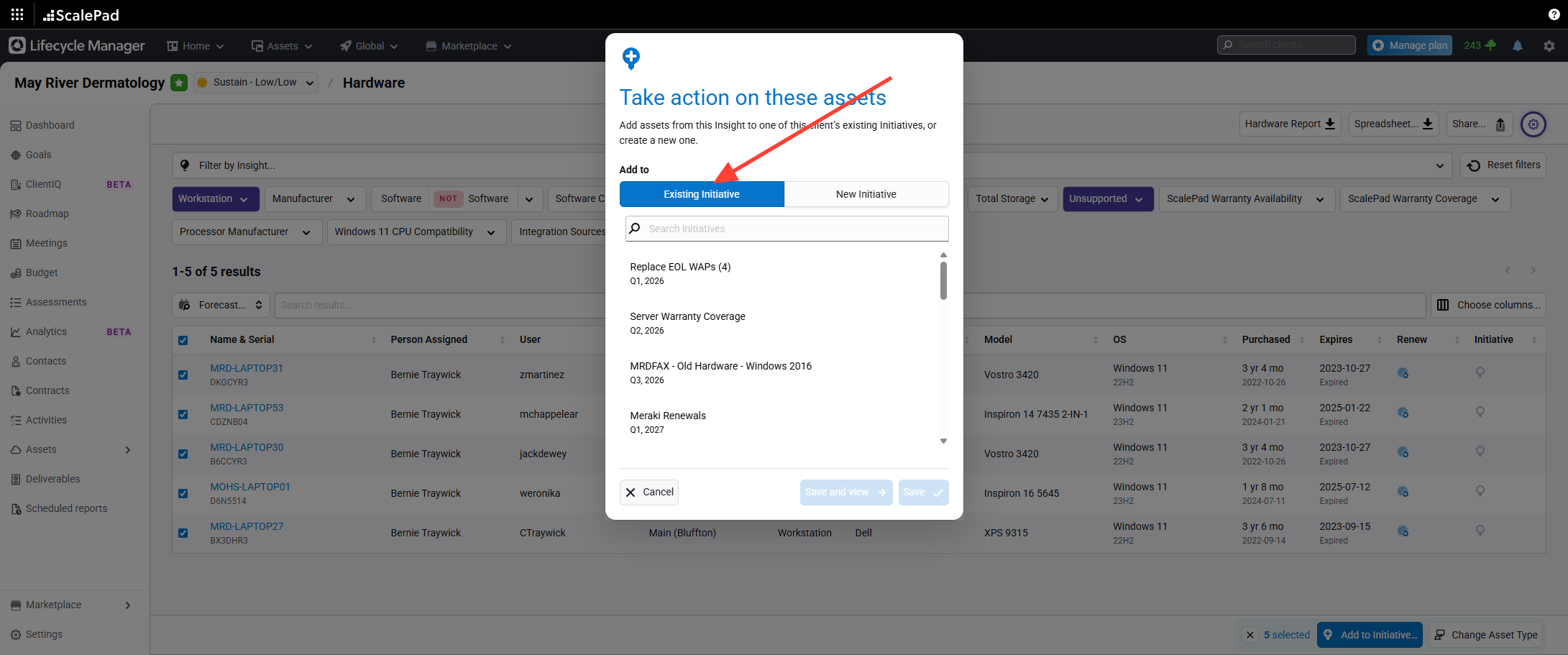
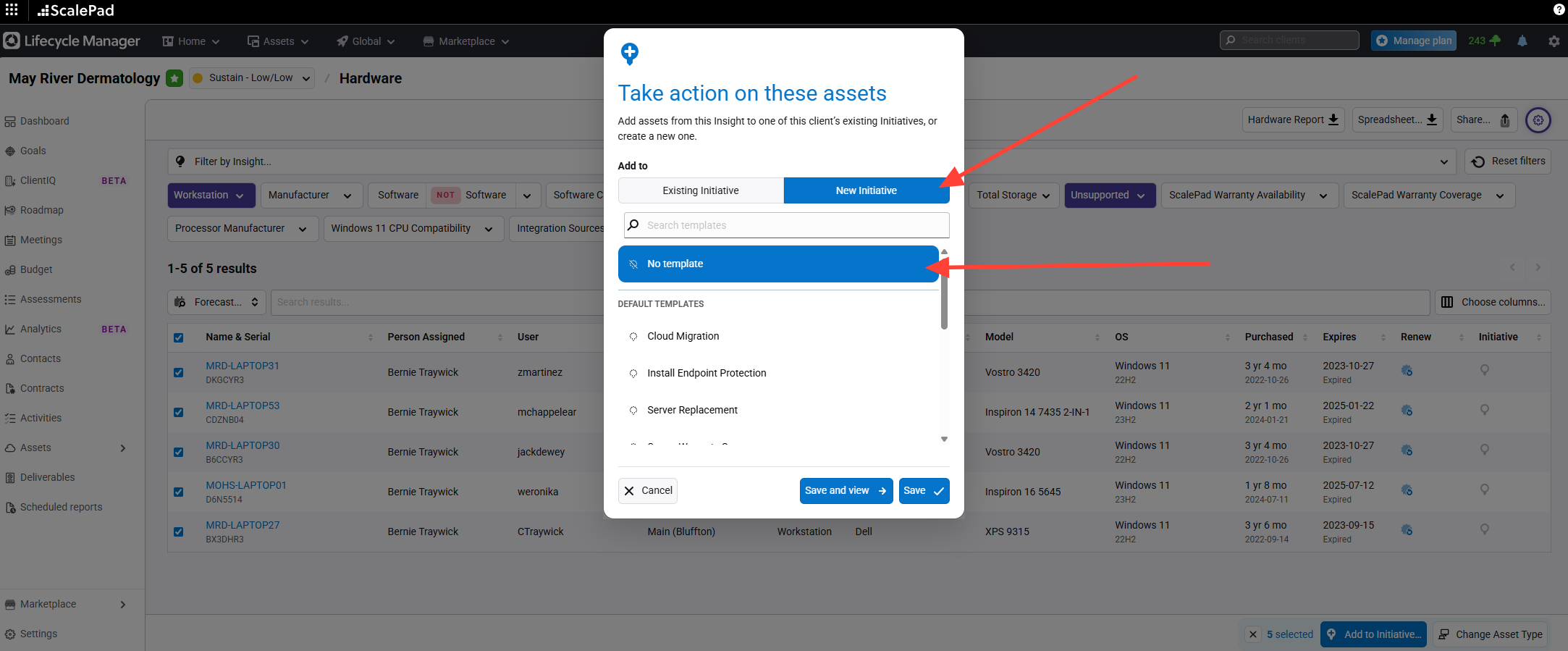
- Choose or create an initiative
Select an existing initiative (preexisting for the client) or create a new one from scratch (No Template)...or from a Template.
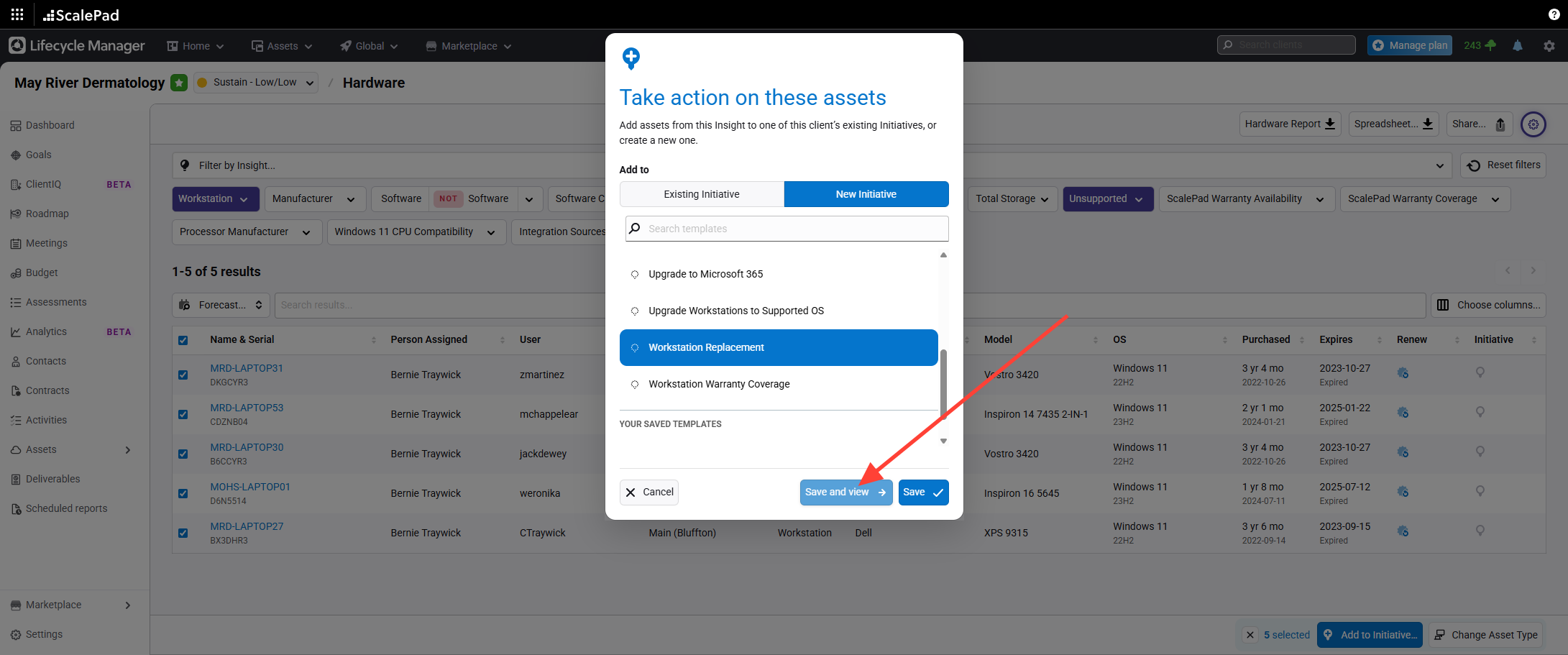
- Save and view the initiative
Click Save and view to create or update the initiative.
- Access the initiative page
View the newly created initiative page.
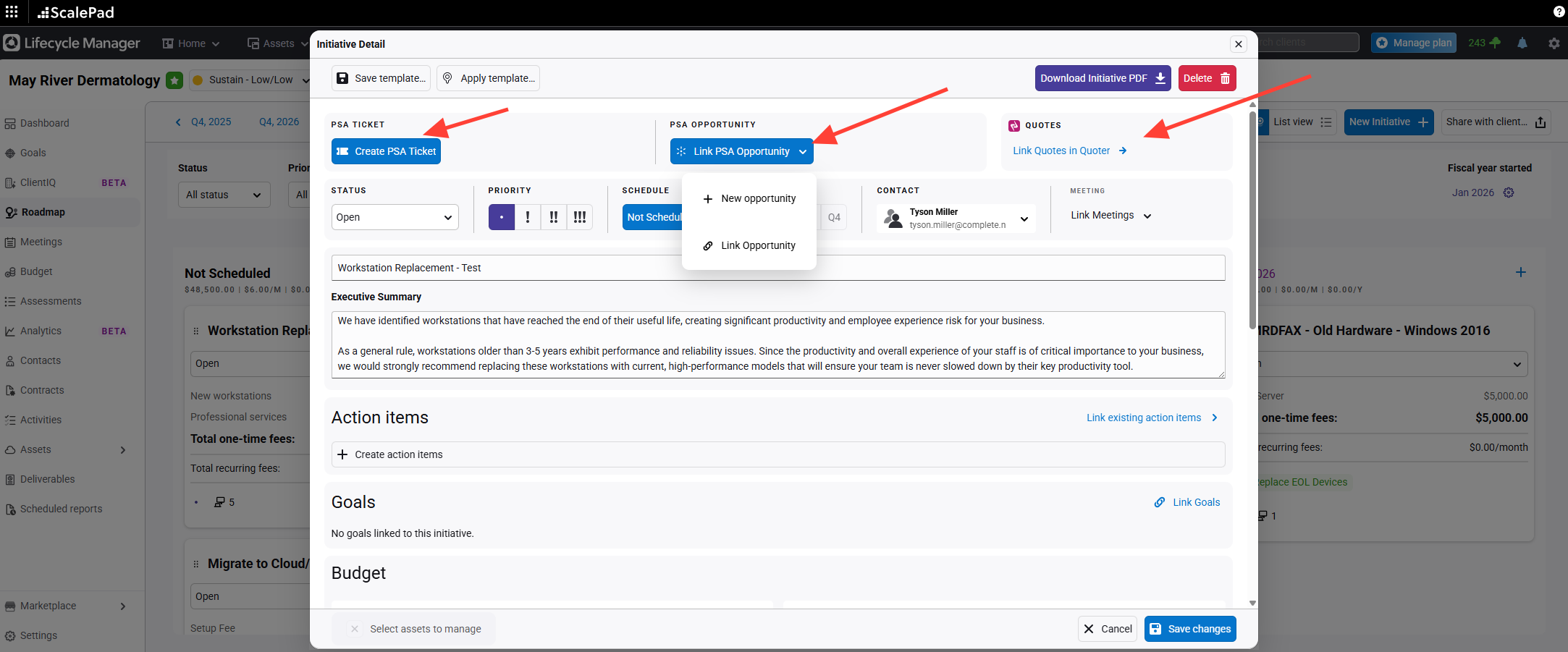
- Create or link ConnectWise items
- Create a ConnectWise ticket or
- Link to an existing opportunity
- Create a new opportunity if needed.
- Link to an existing Quoter Quote (done from Within Quoter)
- Set initiative details
- Status
- Priority,
- Scheduling and target quarter.
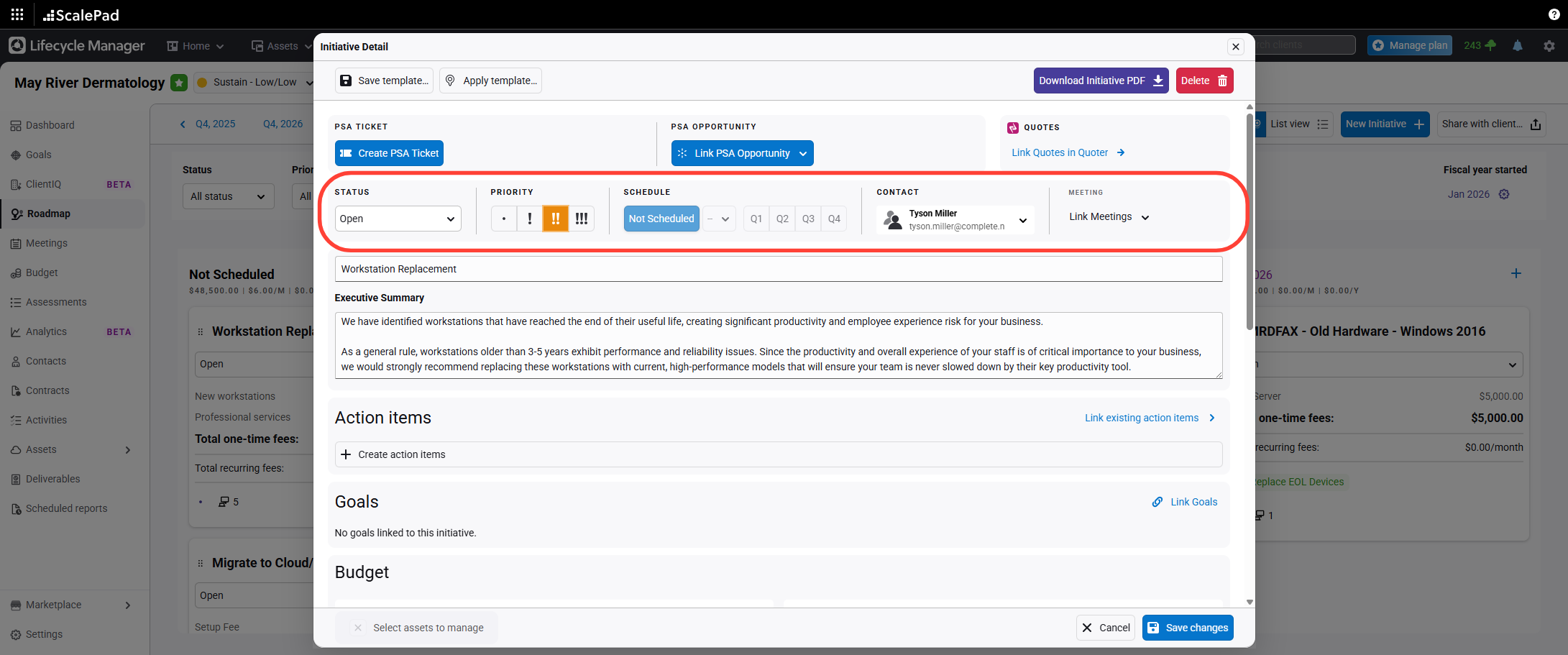
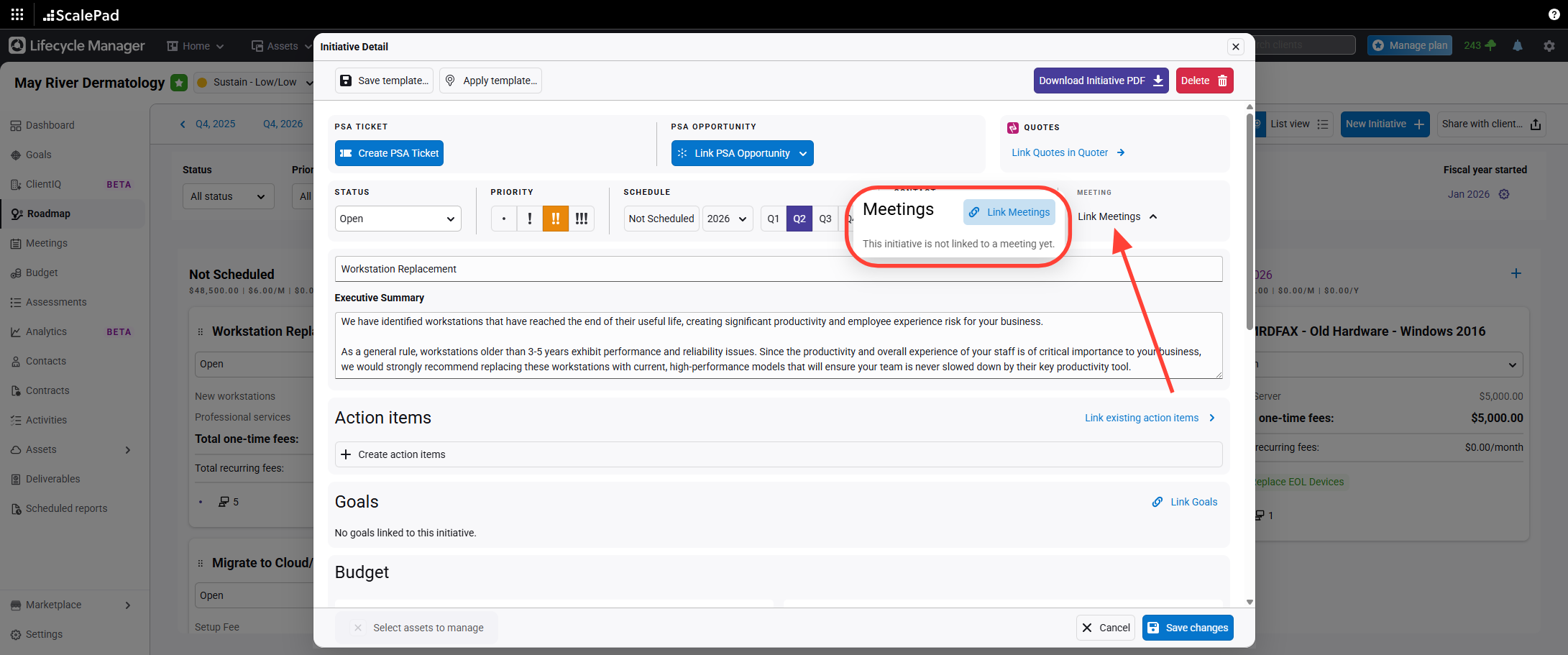
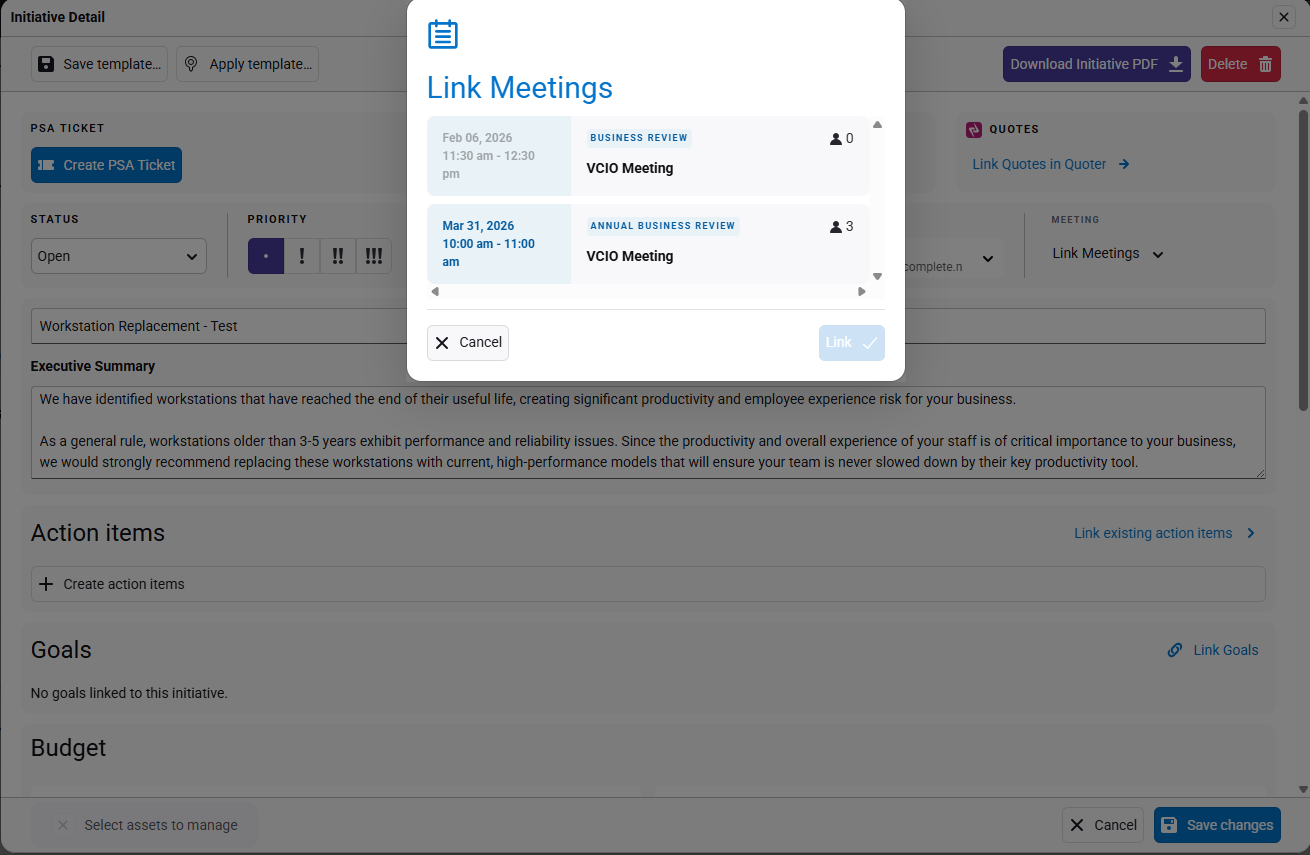
- Link to meetings and edit summary
Link the initiative to meetings.
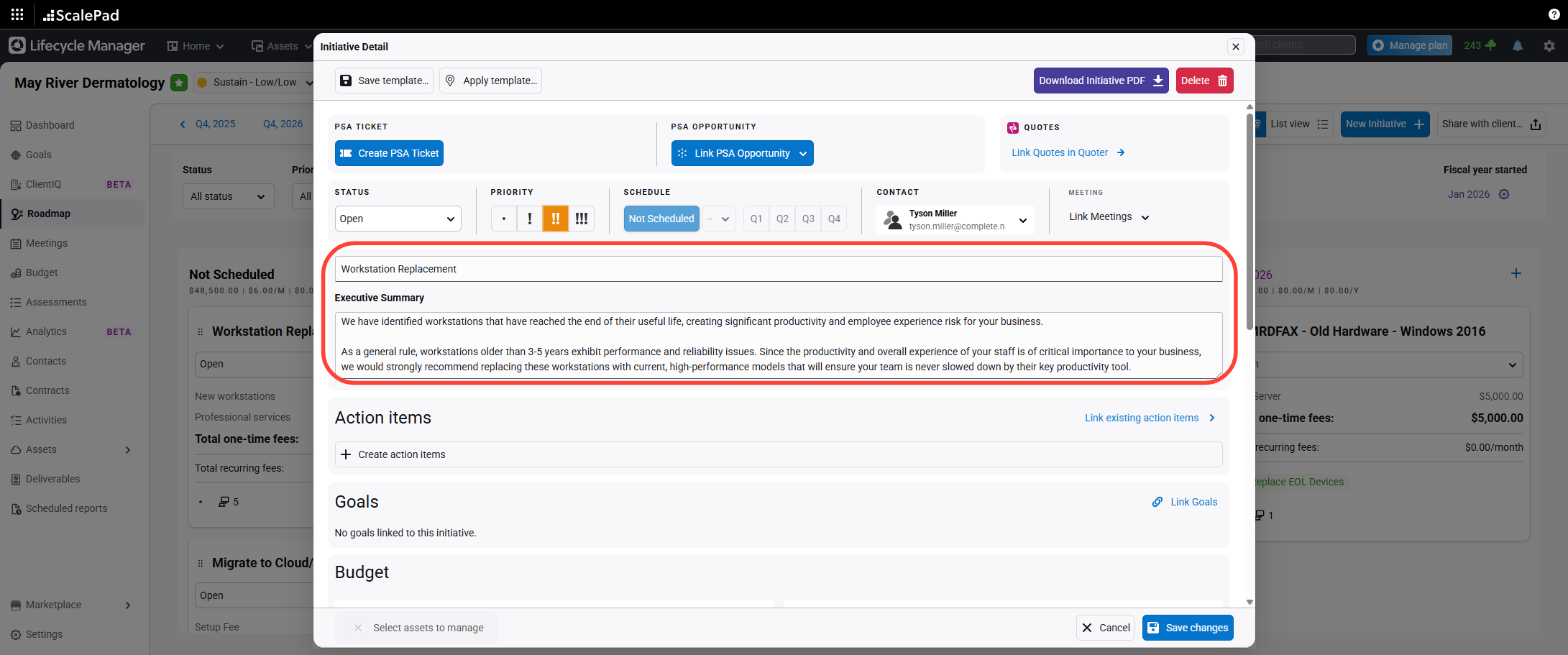
- Edit Summary
Edit the subject and executive summary as needed.
- Add or Link to Action Items
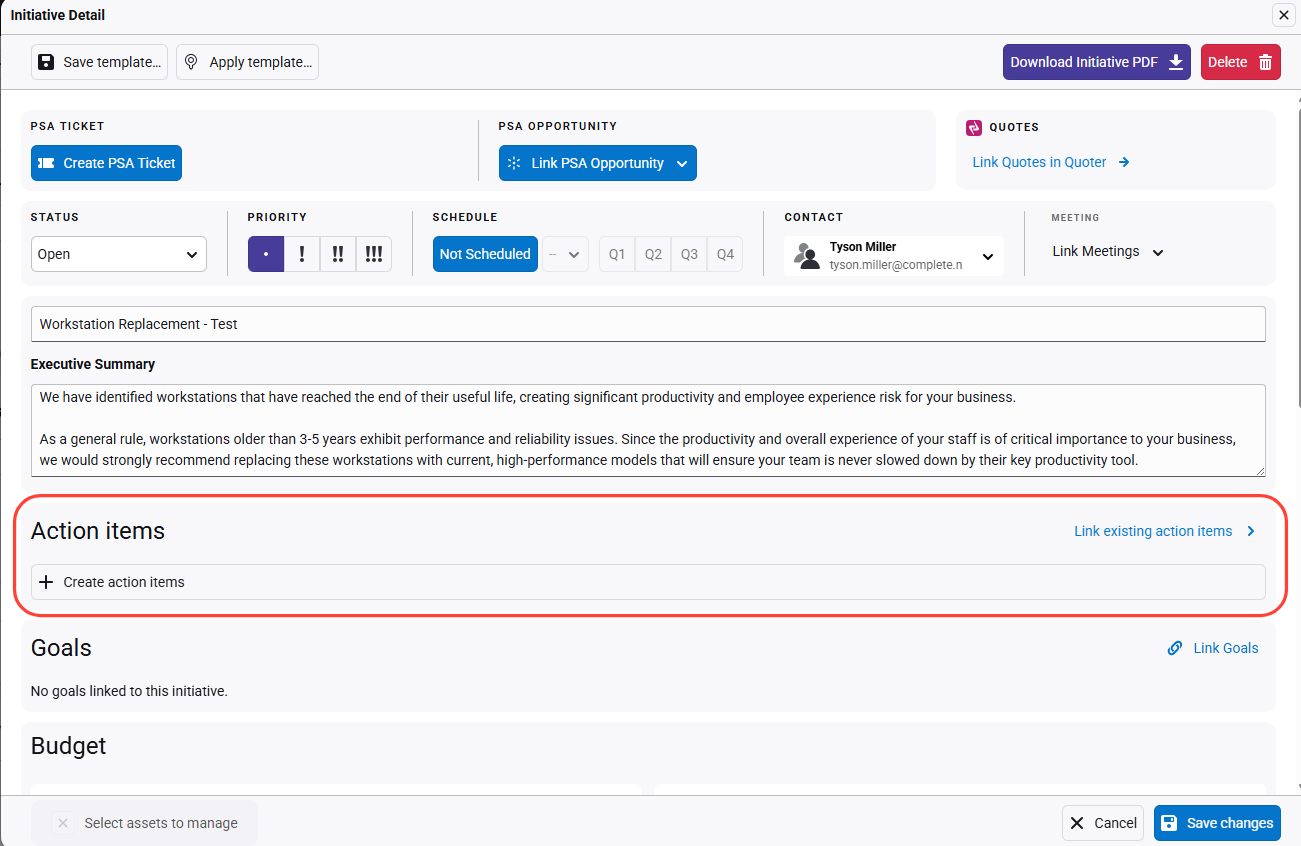
- Add or Link to Action Items
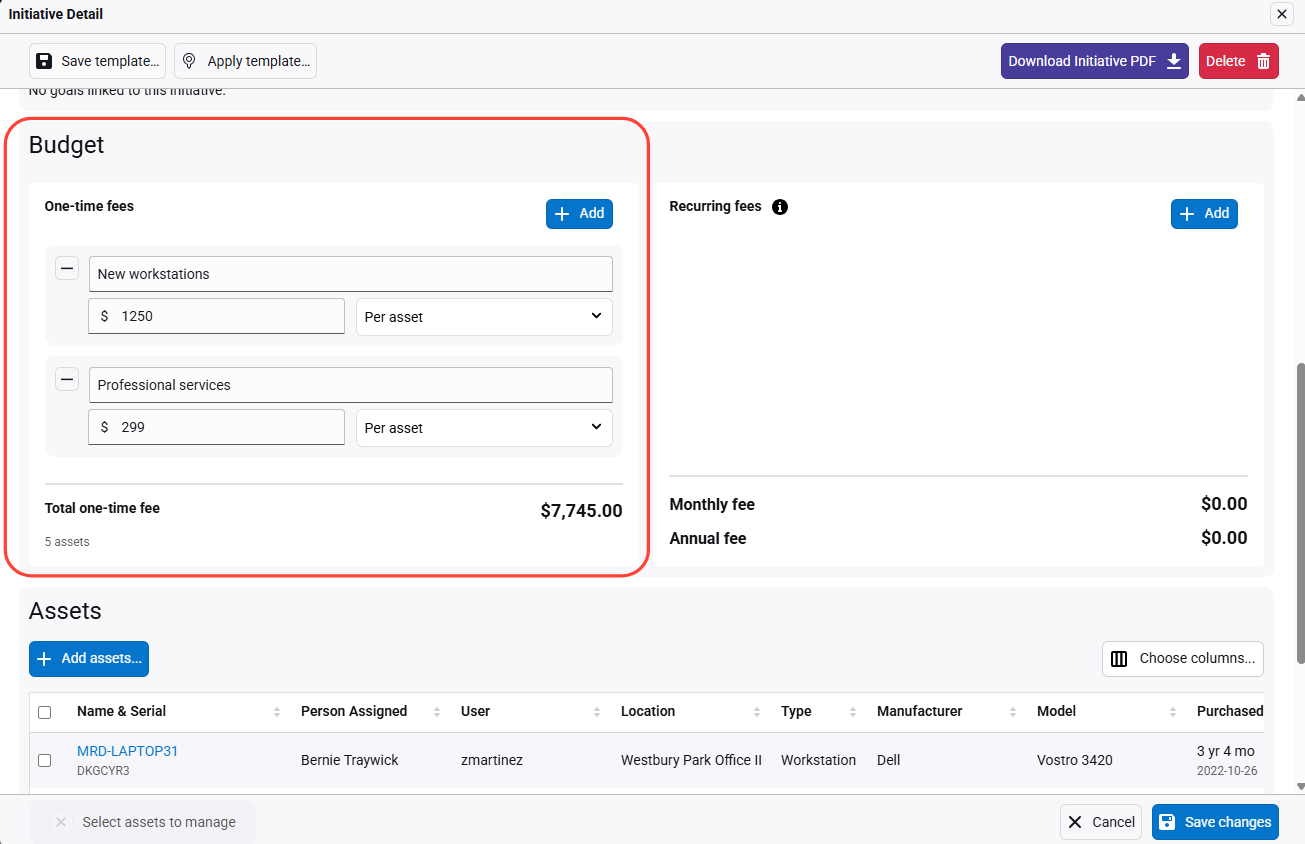
- Review the predefined budget
Scroll down to view the predefined budget based on global or client asset settings.
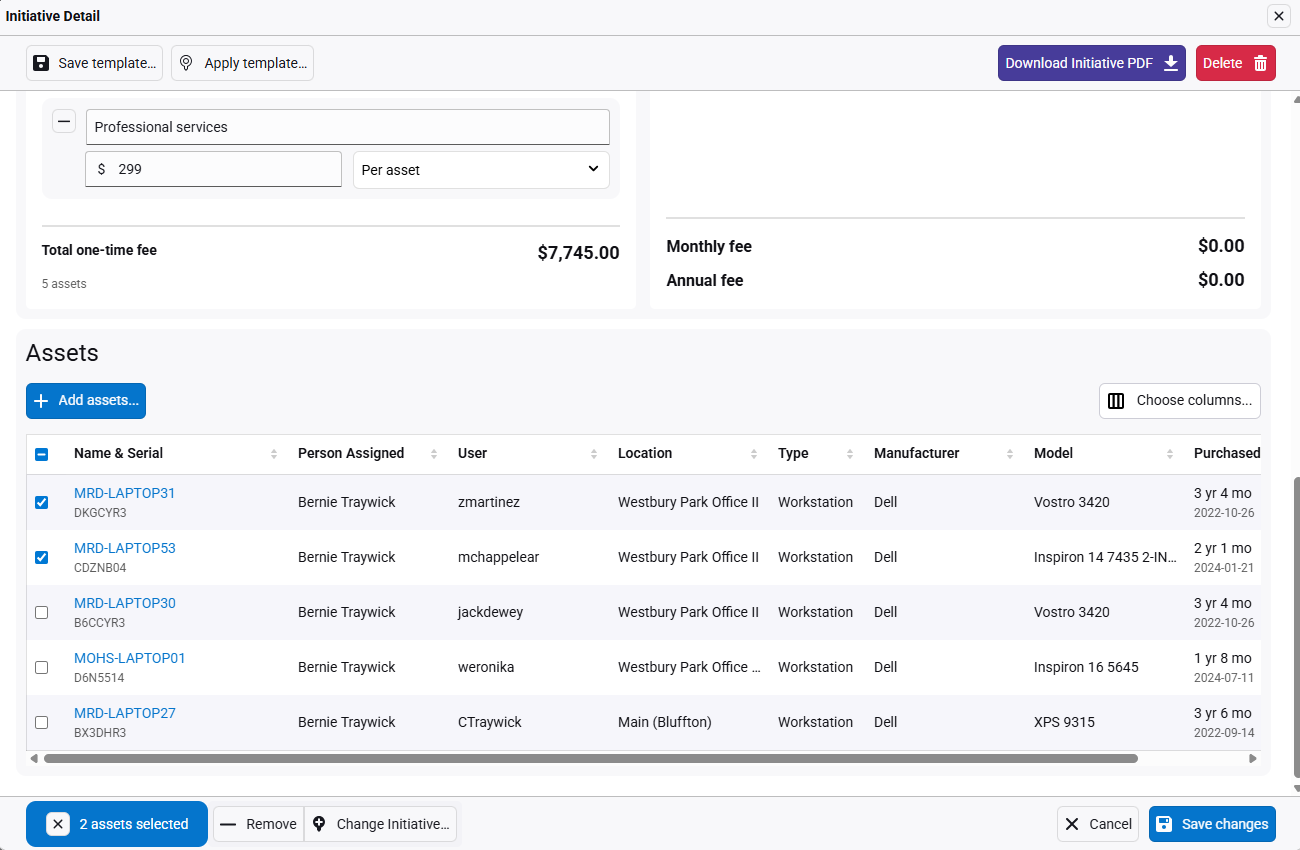
- Add or remove assets and save changes
Add or remove assets as needed. Click Save changes to update the roadmap.
Create Initiatives - From Assets
Updated on