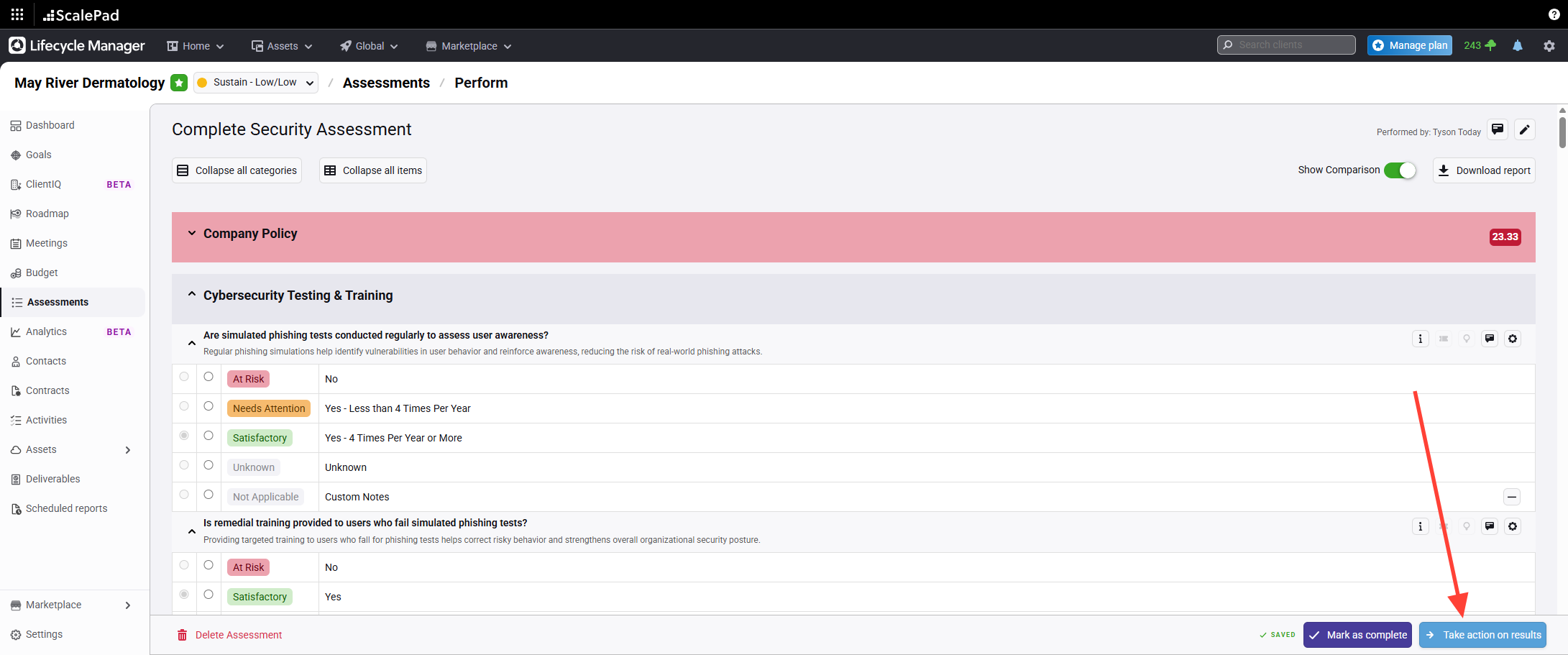
- Open the Take Action menu
Click Take Action in the bottom right after completing an assessment.
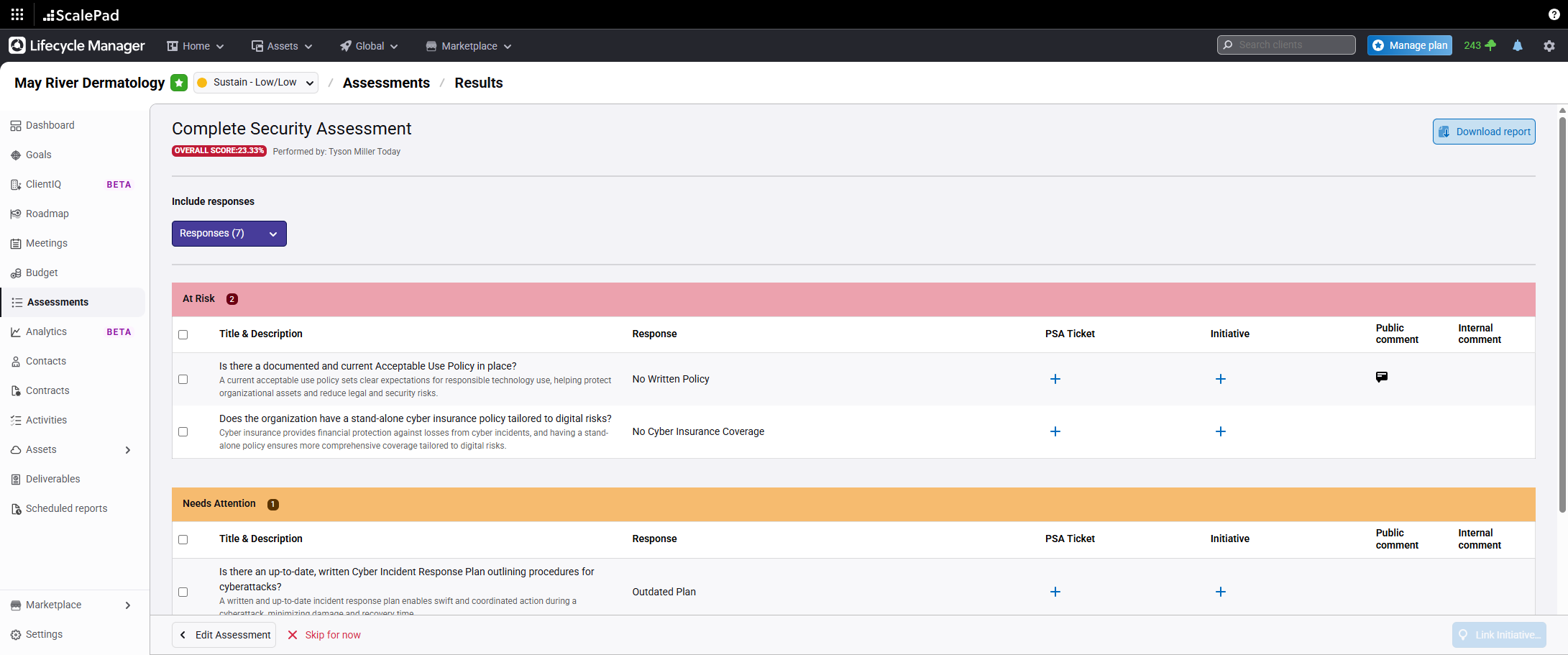
- View assessment items grouped by response
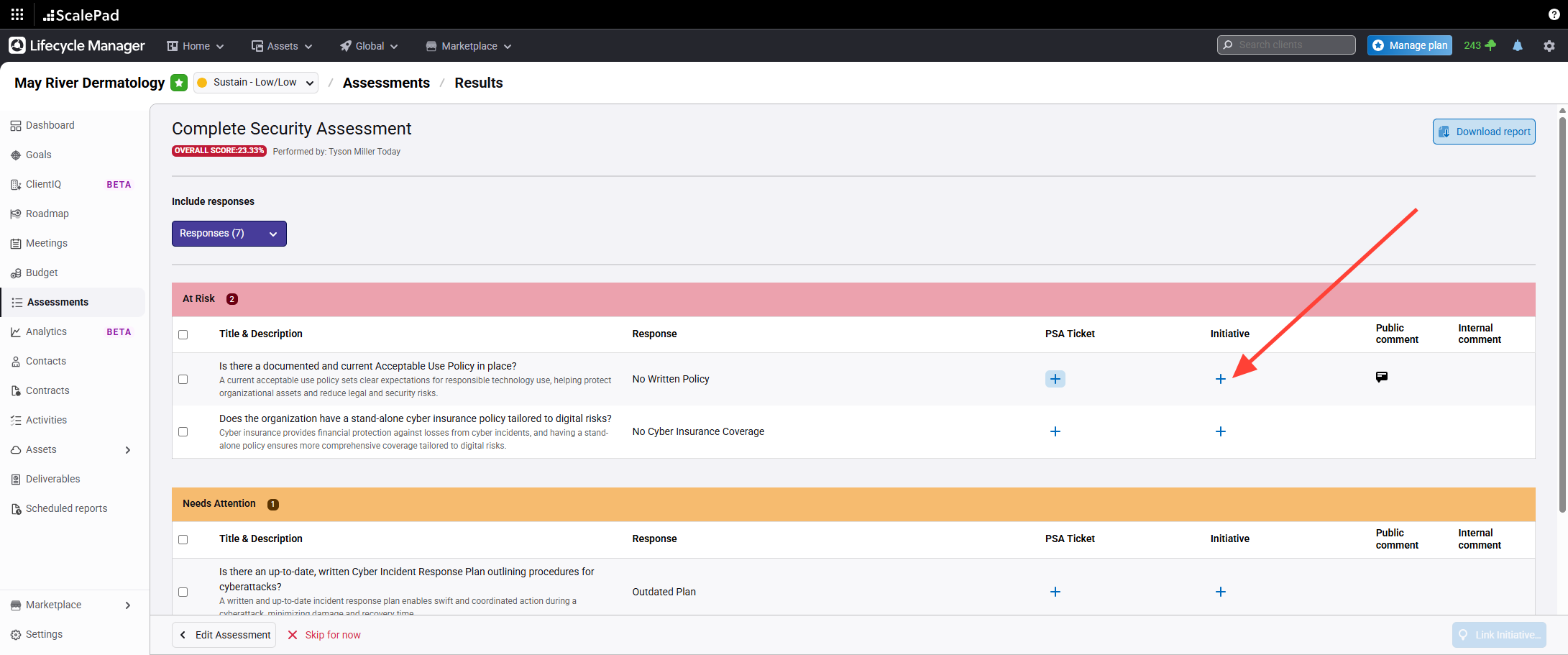
Review the overview of assessment items grouped by response.
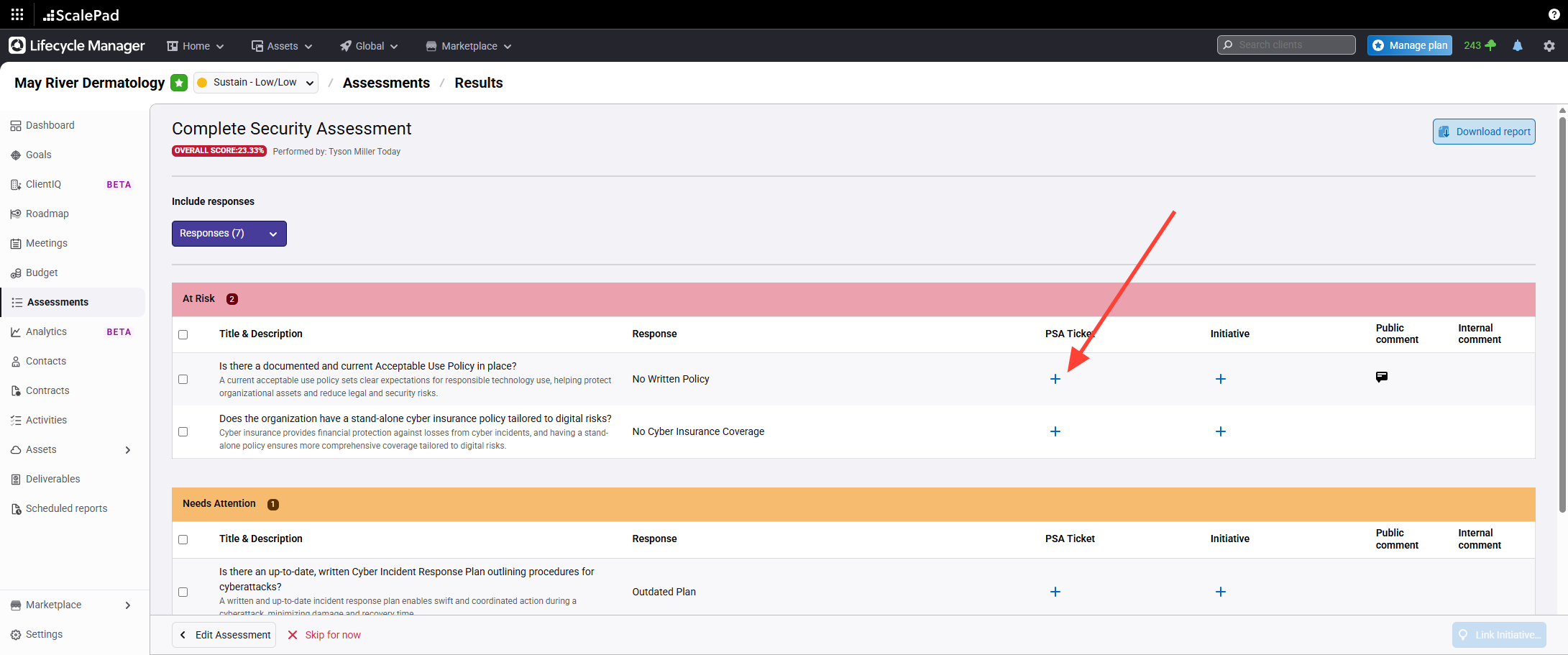
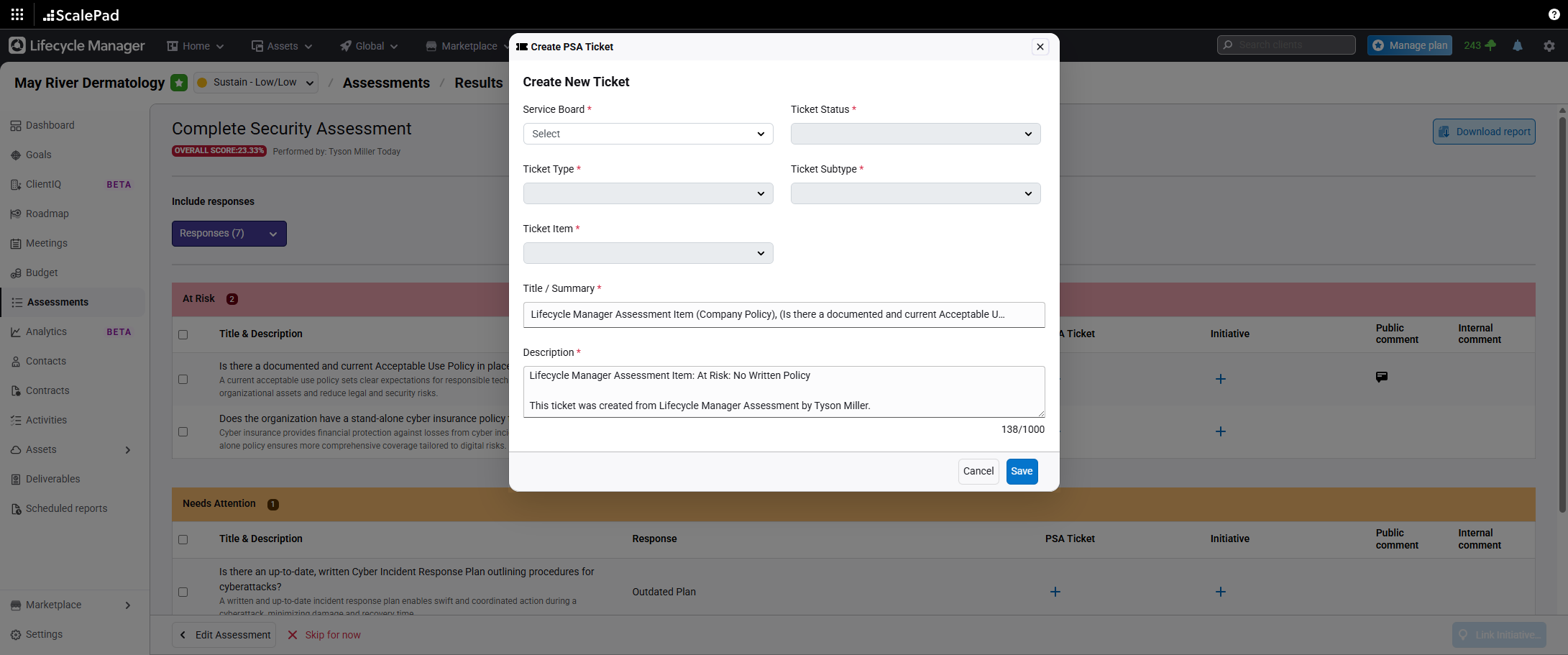
- Create a PSA ticket for service items
Select Create a PSA ticket to open a ConnectWise ticket for items needing service handling.
- Create an initiative for an item
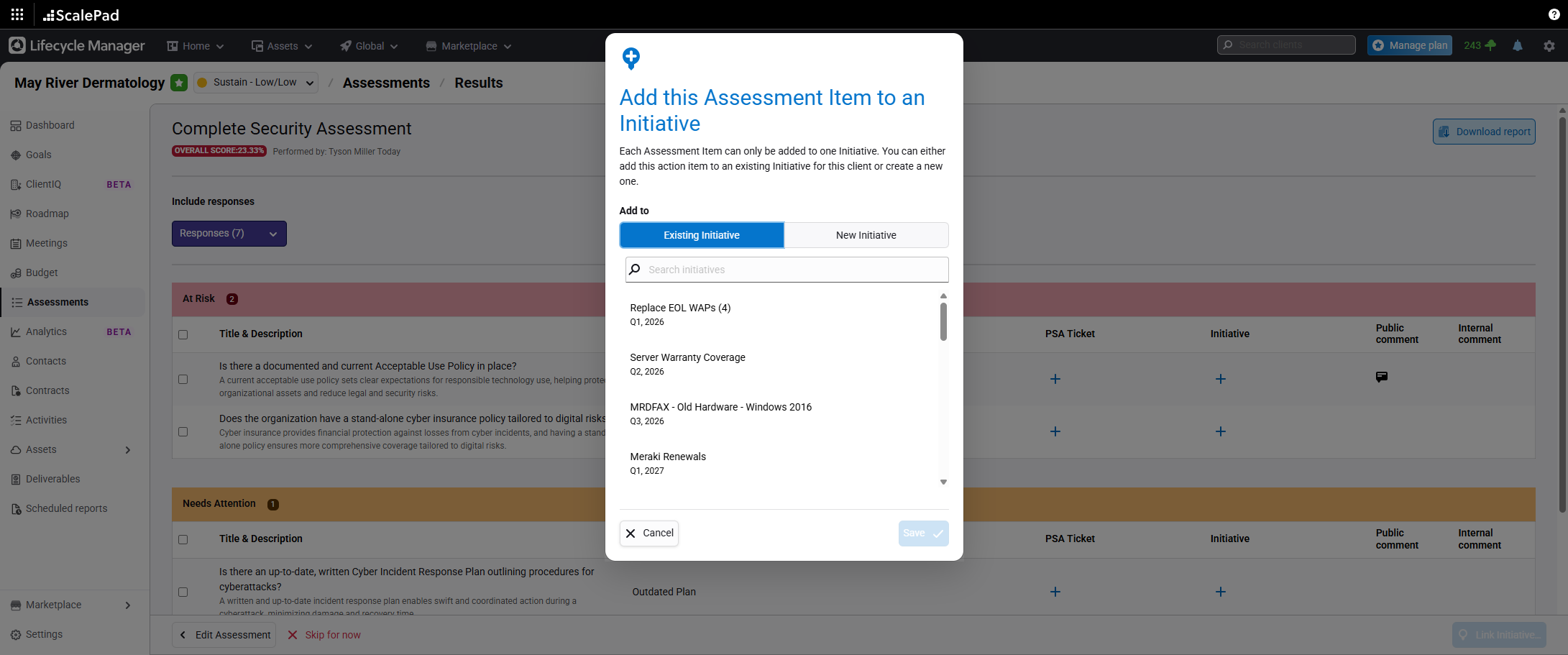
Select Create an initiative for the item as needed.
Take Action on Assessment Results
Updated on