- Open the client record
Click the desired client to open their record.
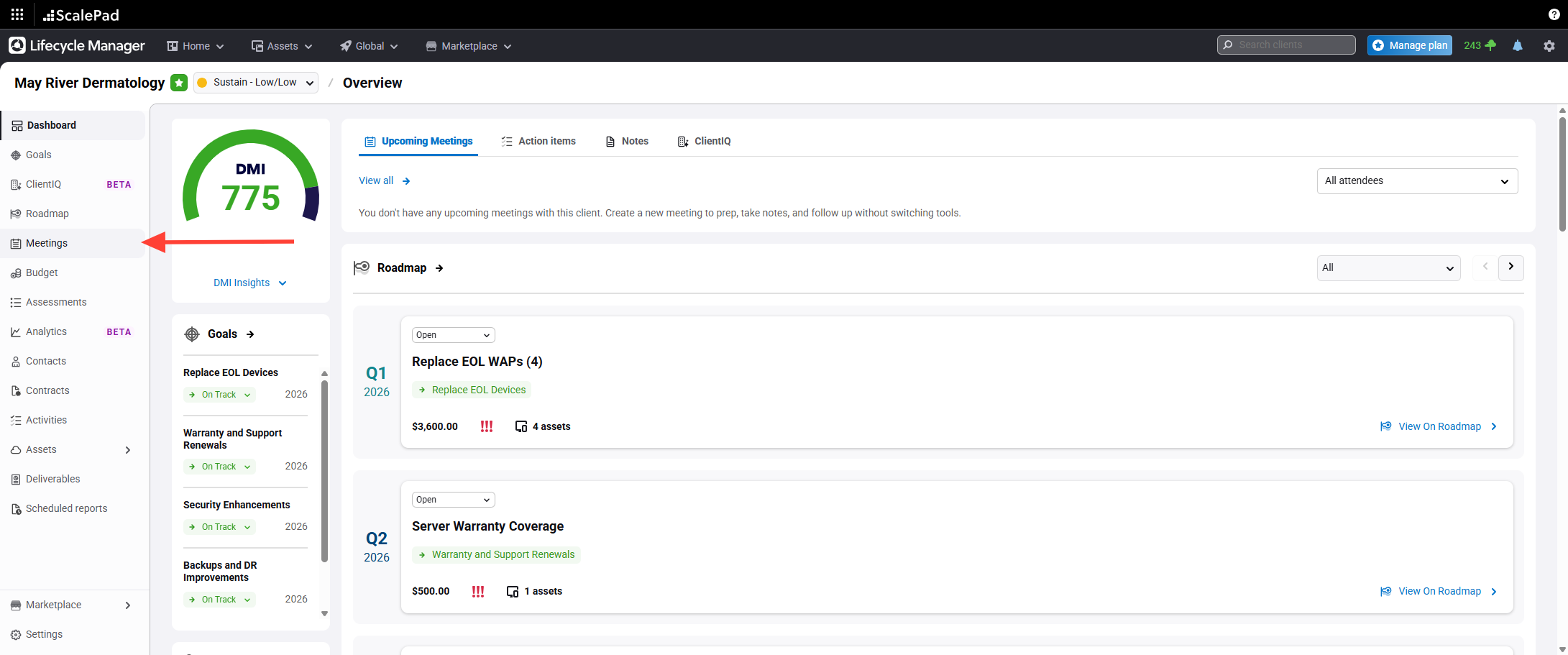
- Access the Meetings section
ClickMeetings in the left-hand menu.
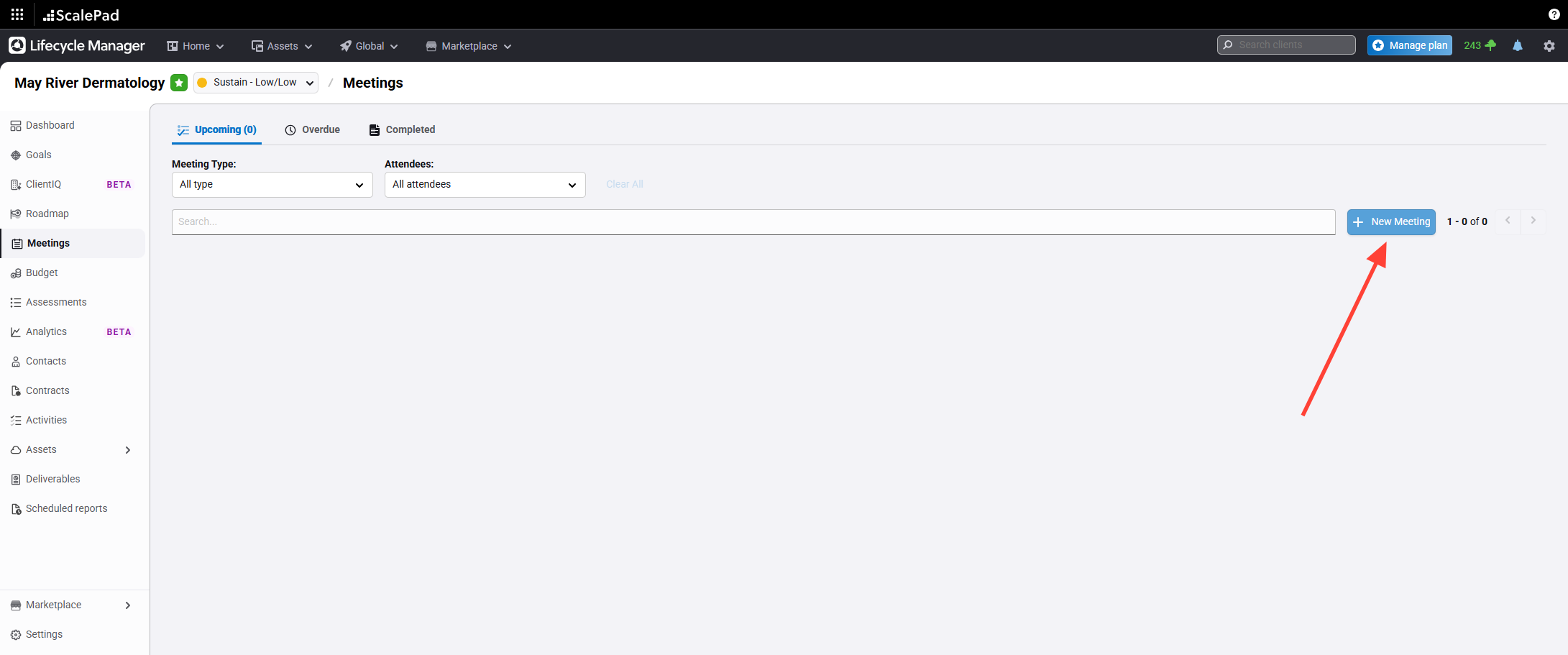
- Start a new meeting
Click New Meeting at the top of the Meetings page.
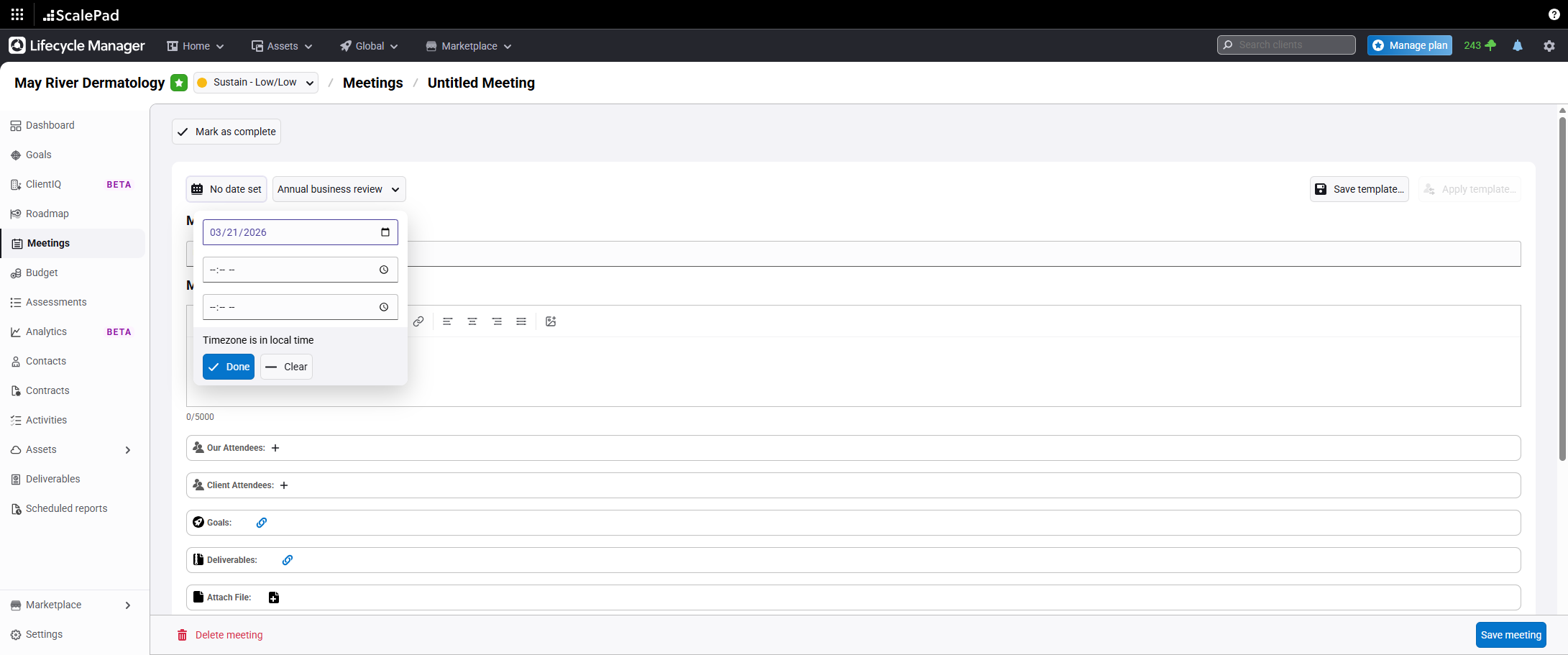
- Set the scheduled date
Enter the scheduled date for the meeting.
- Enter meeting details and select attendees
Select the meeting type.
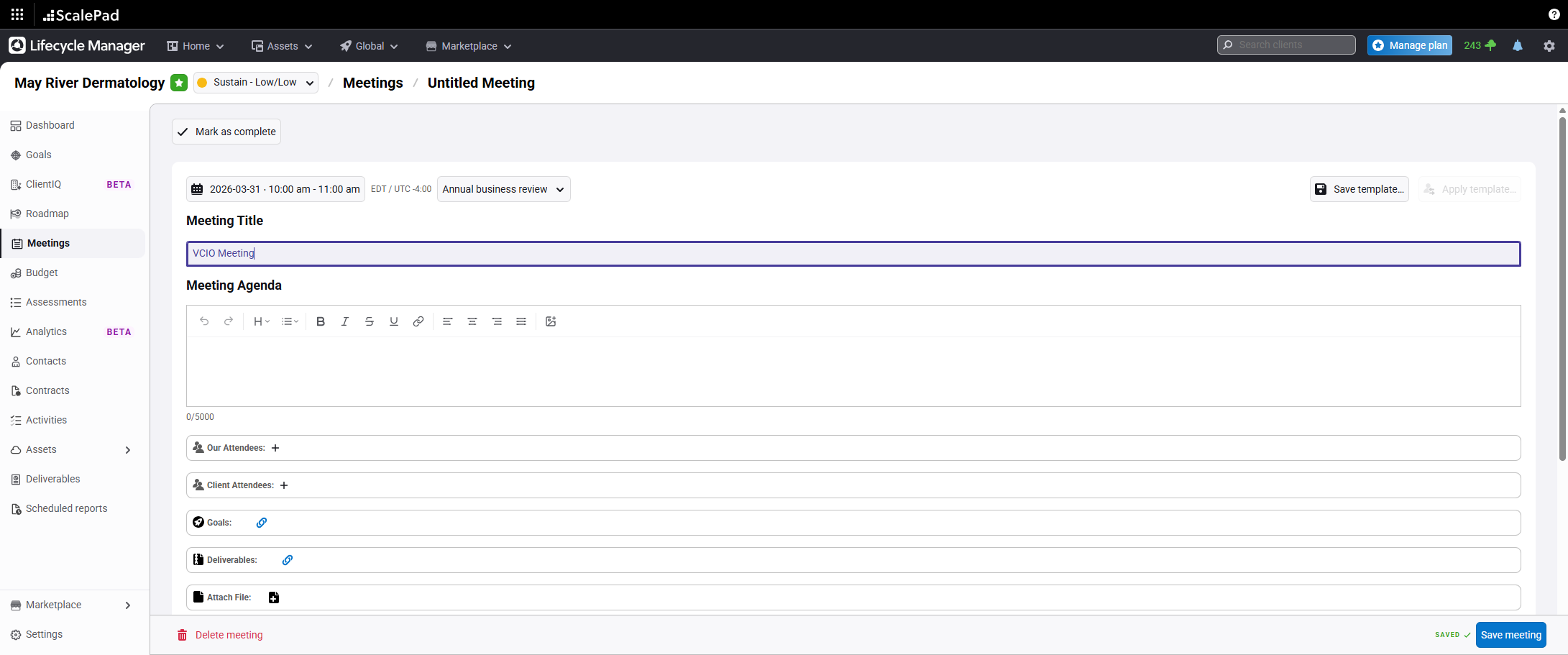
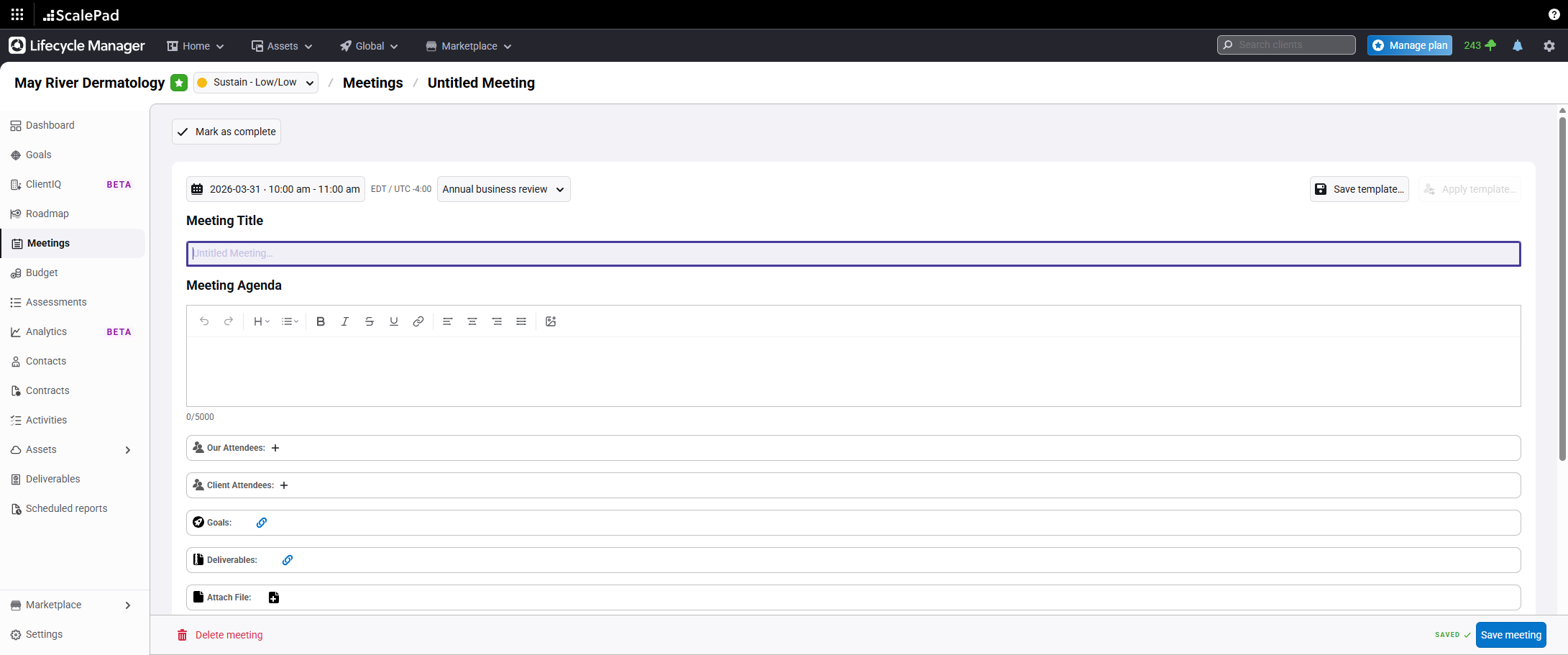
Enter the meeting title.
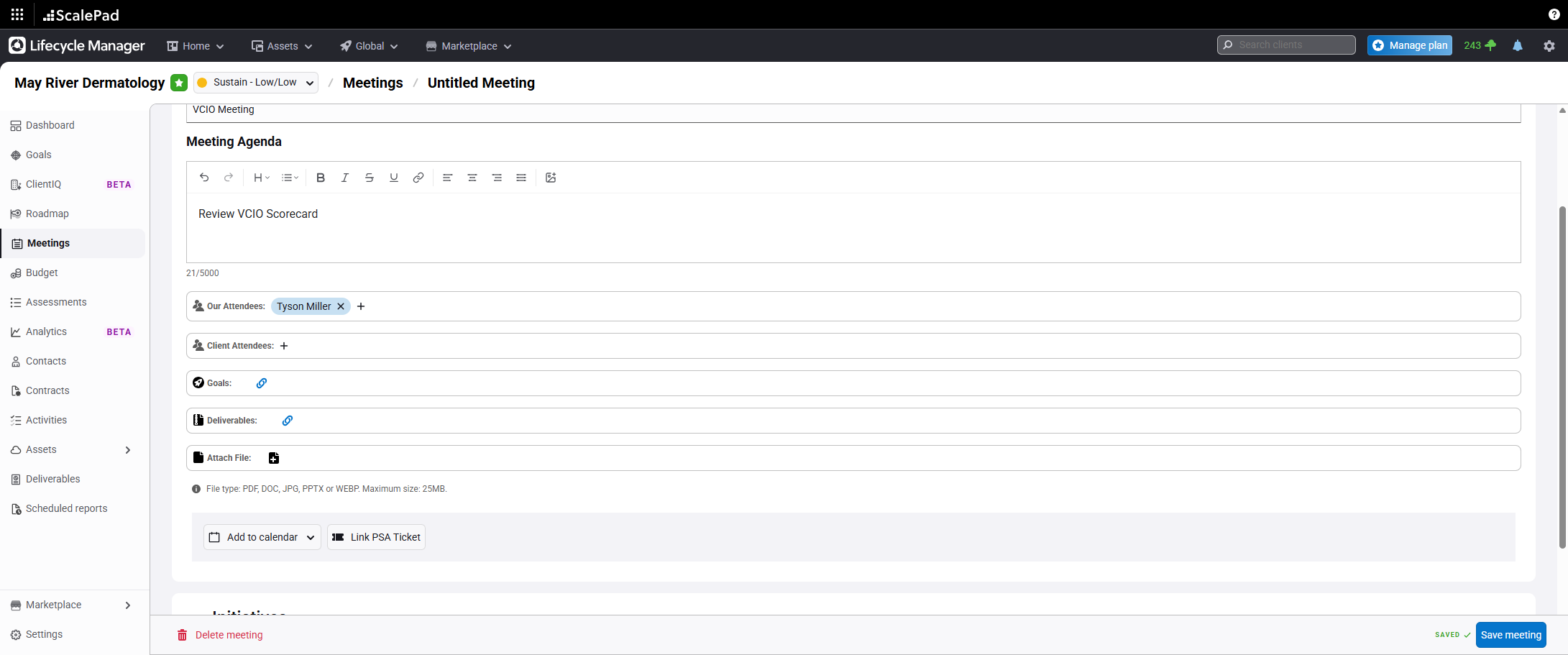
Enter the meeting agenda.
Select attendees for the meeting.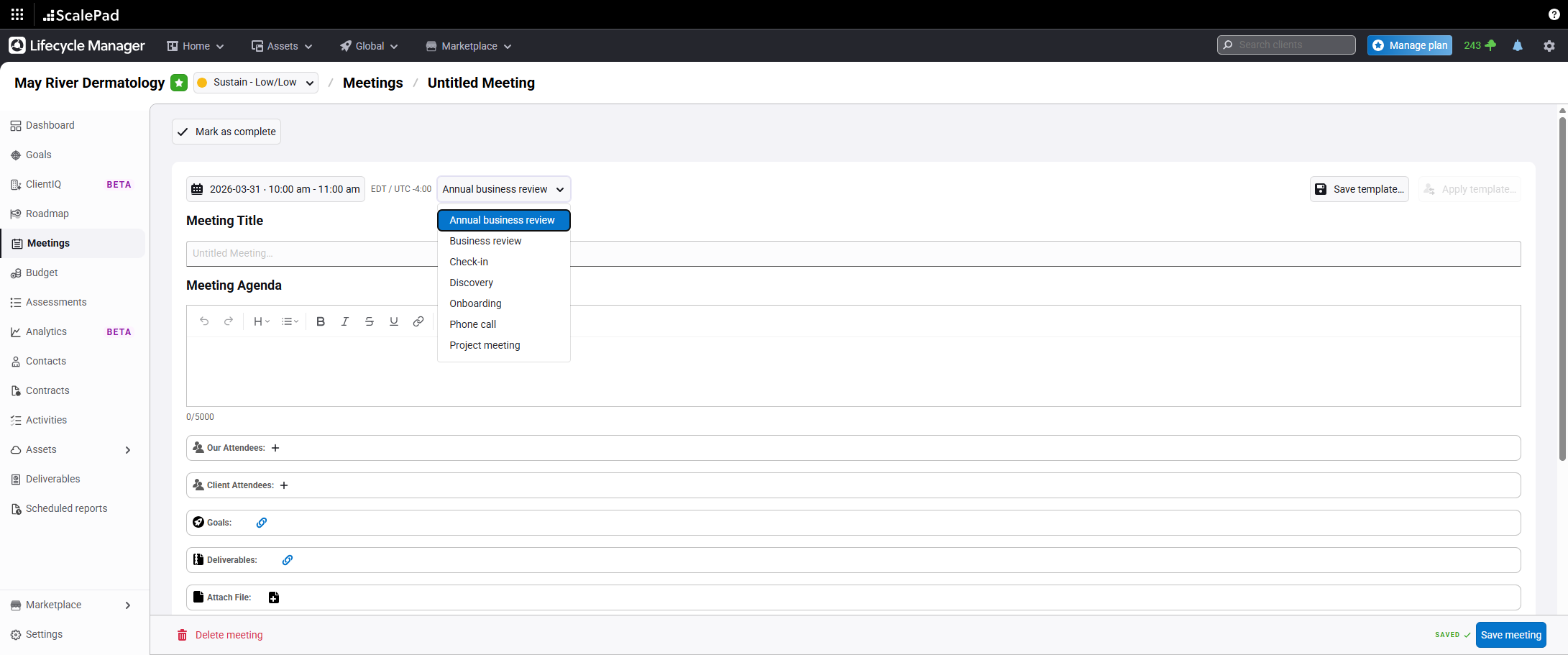
- Attach meeting deliverables
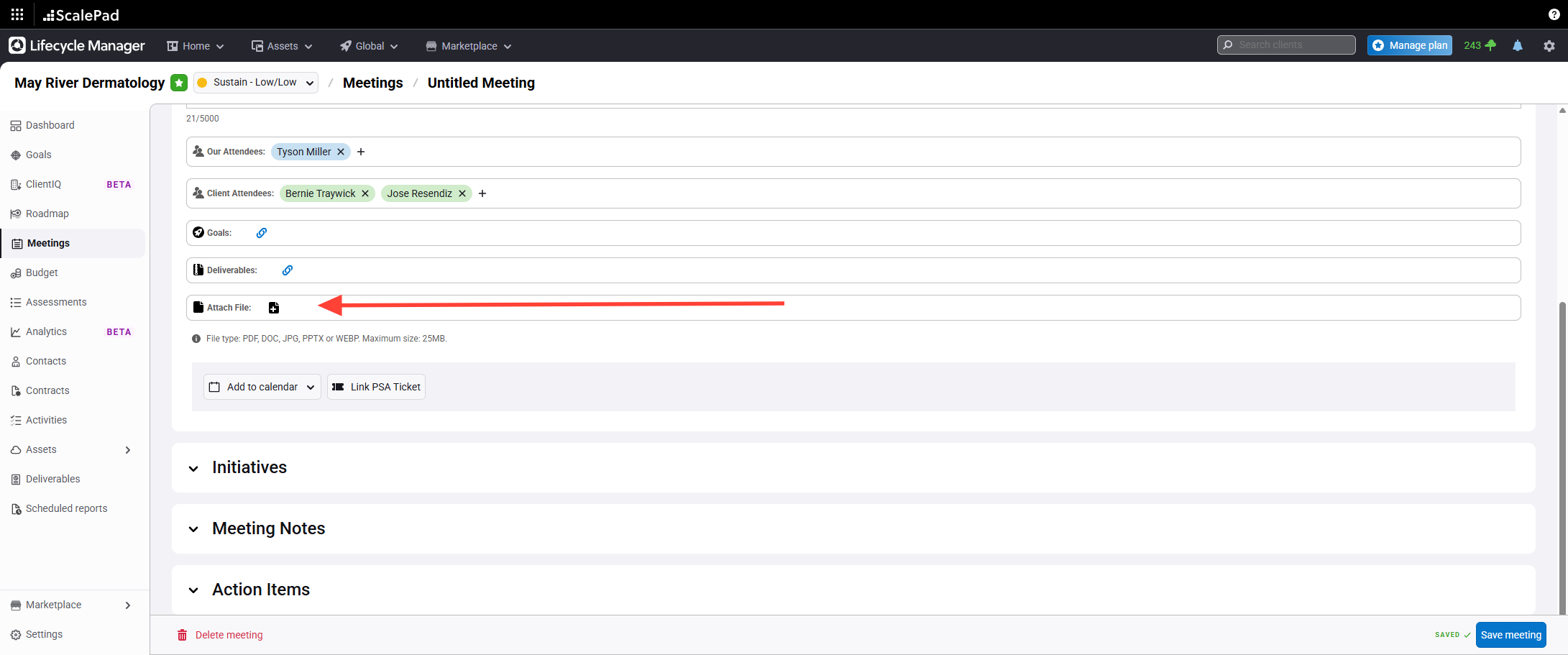
Attach any deliverables, such as reports or QBRs.
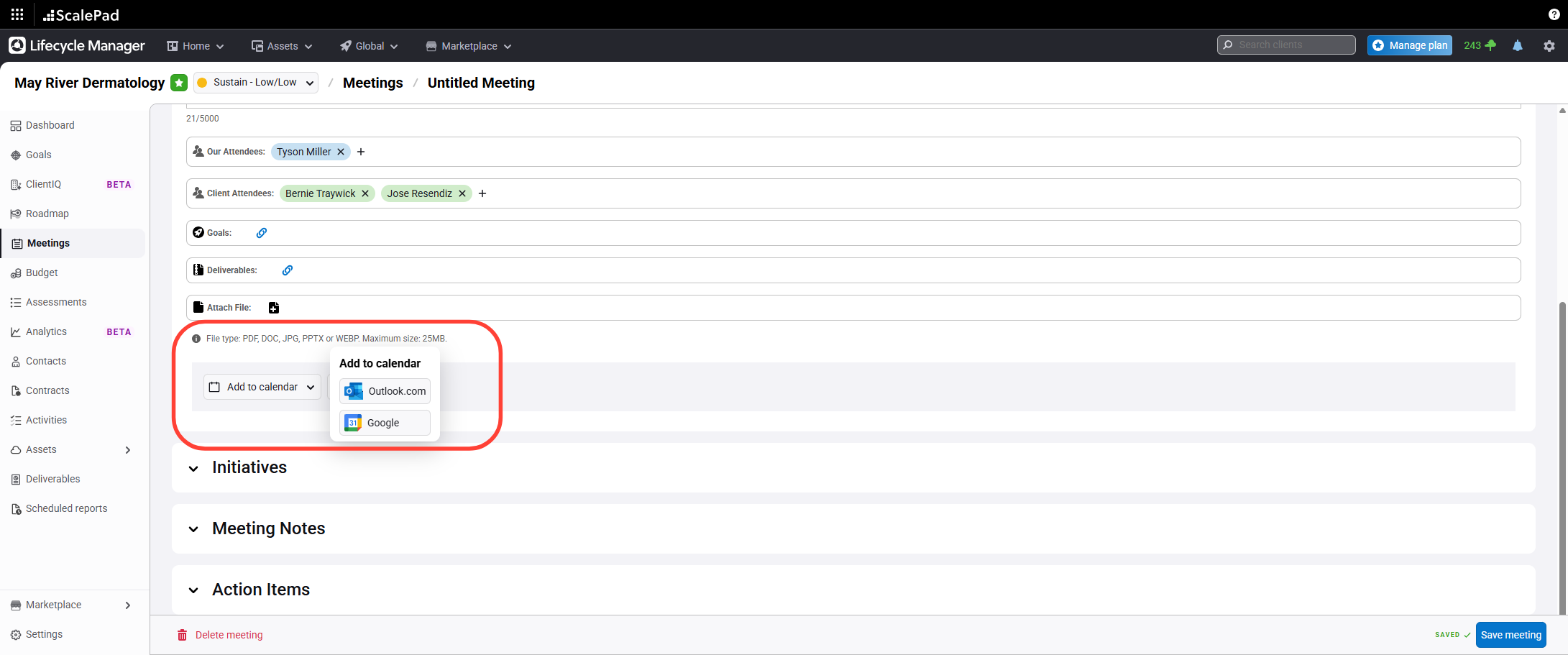
- Add the meeting to your calendar
Click the calendar add button to add the meeting to your calendar.
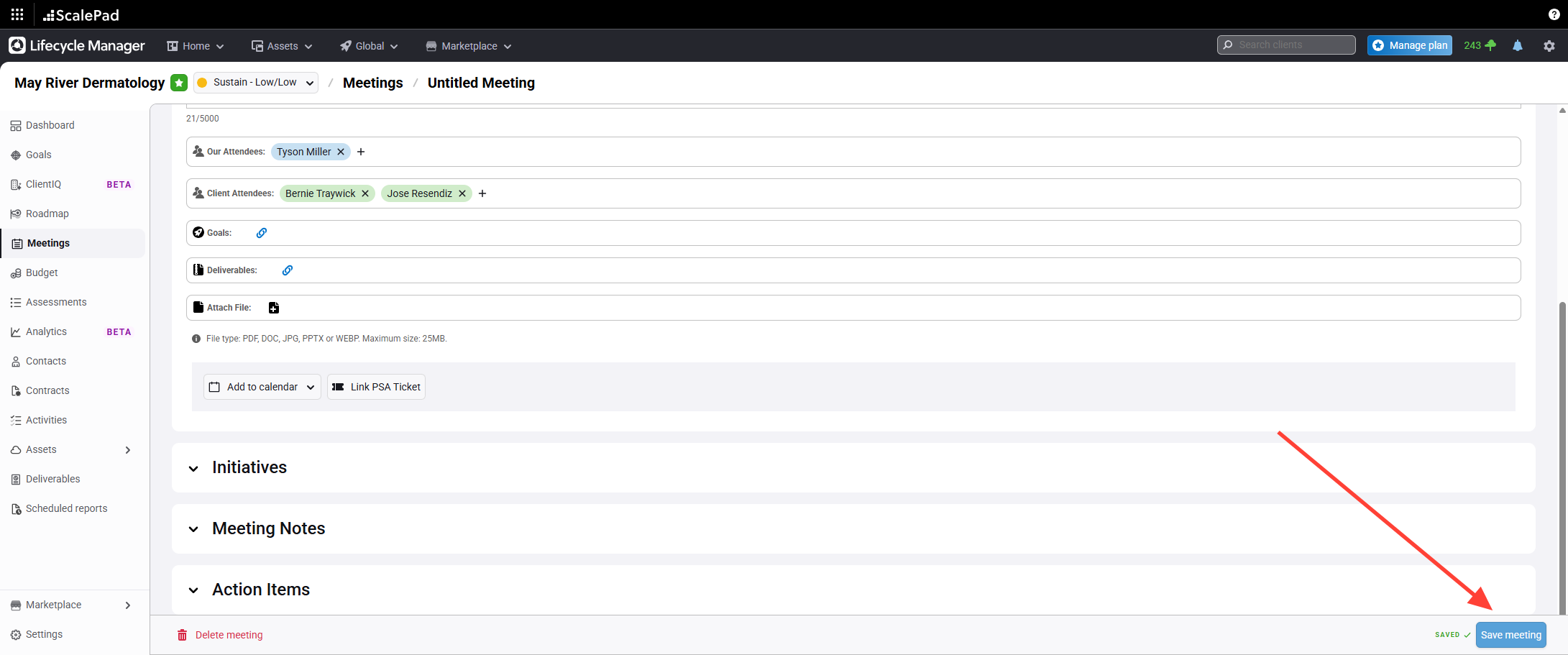
- Save the meeting
Click Save at the bottom right to save the meeting.
Scheduling a Meeting
Updated on