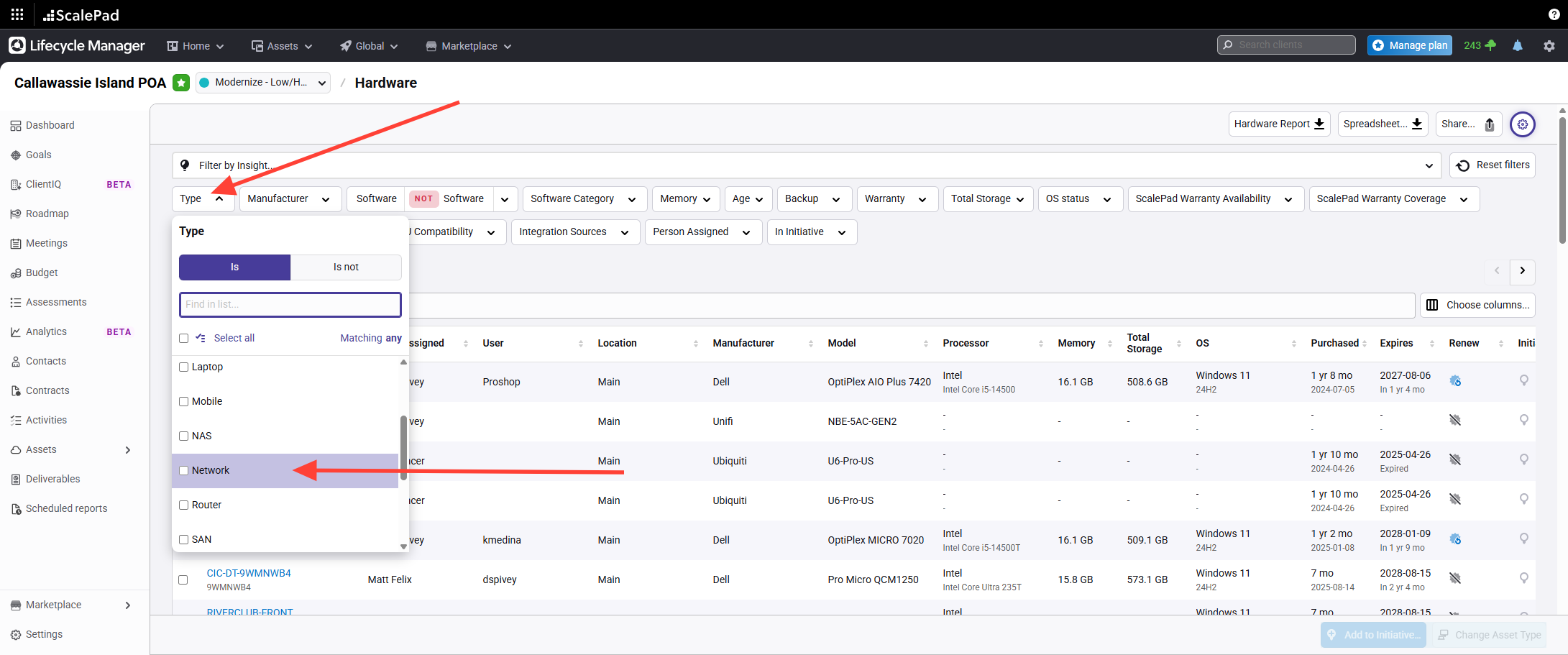
- Access the Network assets list
Click Network under asset types to view networking equipment for the client.
This data is synchronized from Connectwise Managed Configs and will included
- Switches
- Routers
- Firewall
- Access Points
-
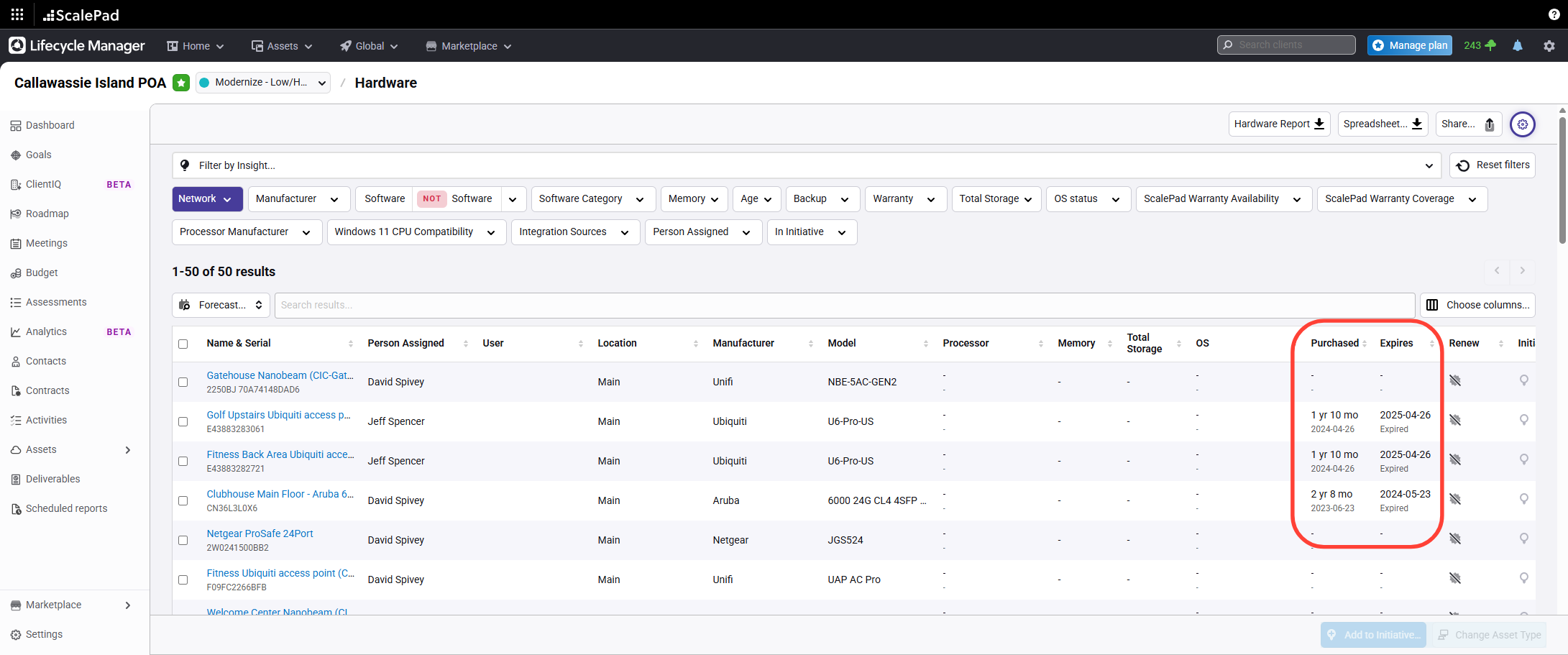
- Review key asset details
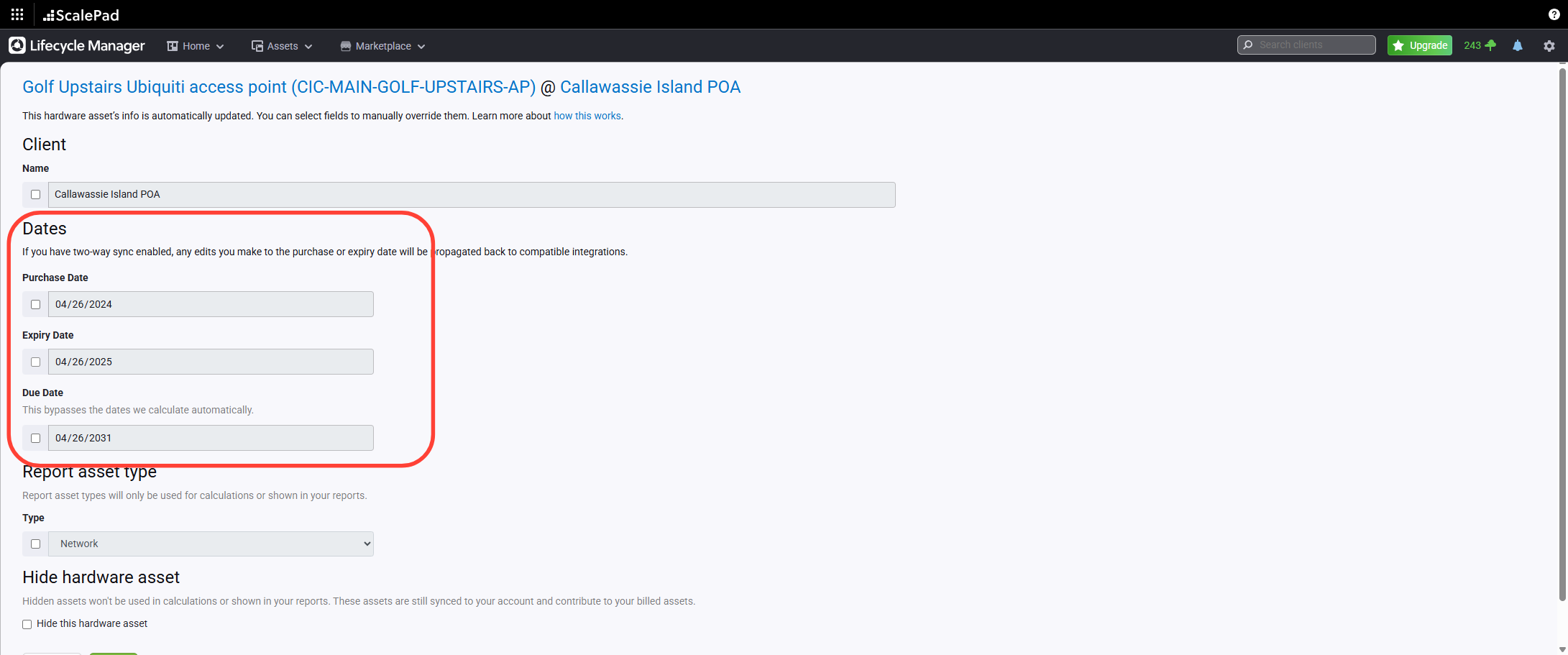
Most commonly used info will be the purchase date and expiration date fields for each asset. These fields are synchronized from Automate.
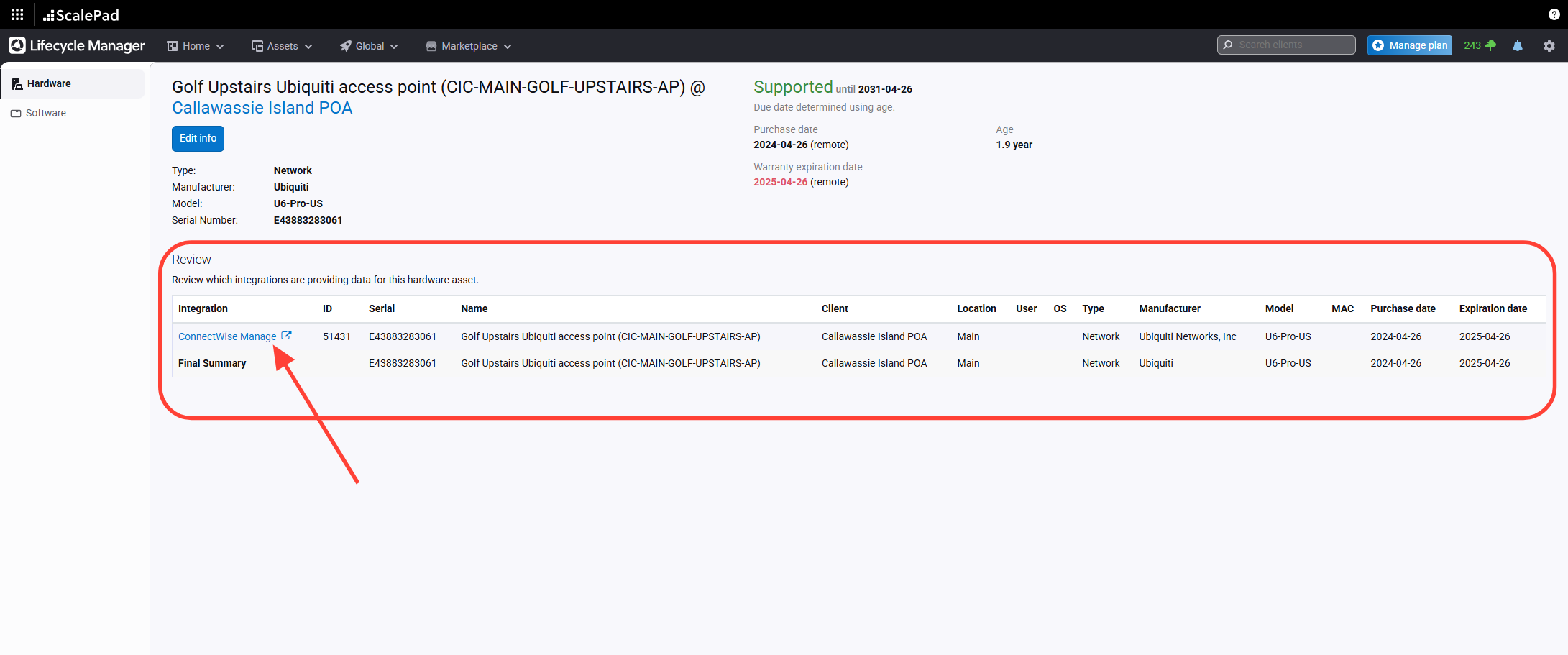
- Open an asset to view details
Click any asset in the list to view its information and access the Configuration source page.
You can see the source of the data, and access the source by clicking the link
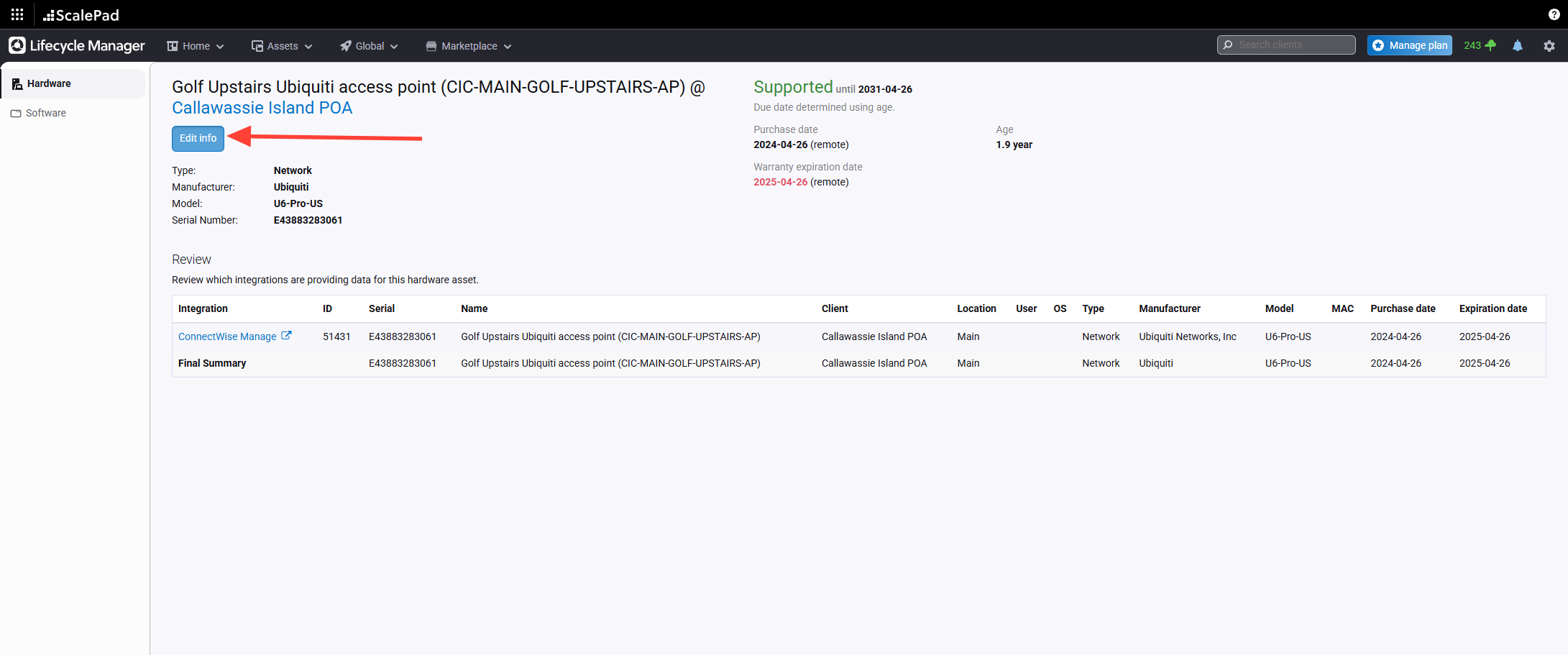
- Edit asset information and update expiration date
Edit the asset information as needed. Update the expiration date to synchronize changes back to the Automate config.
Assets - Network
Updated on