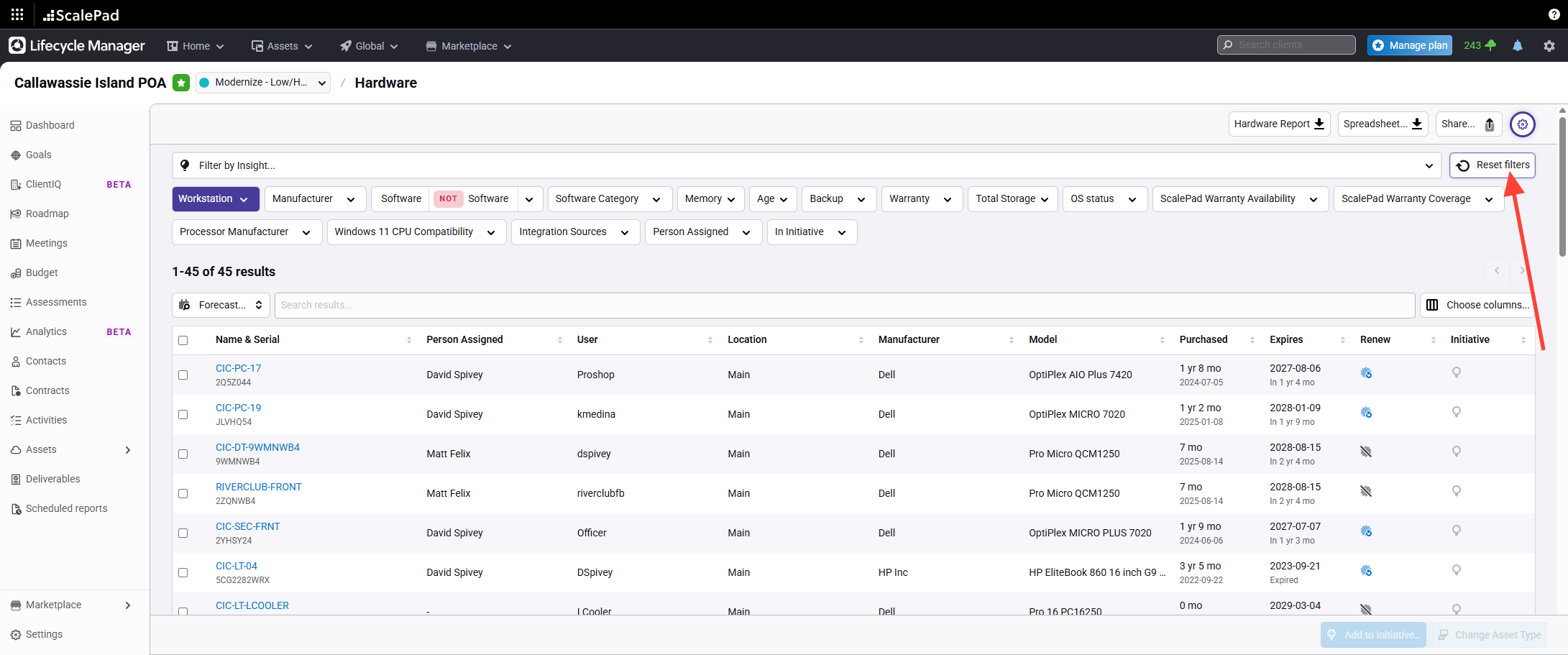
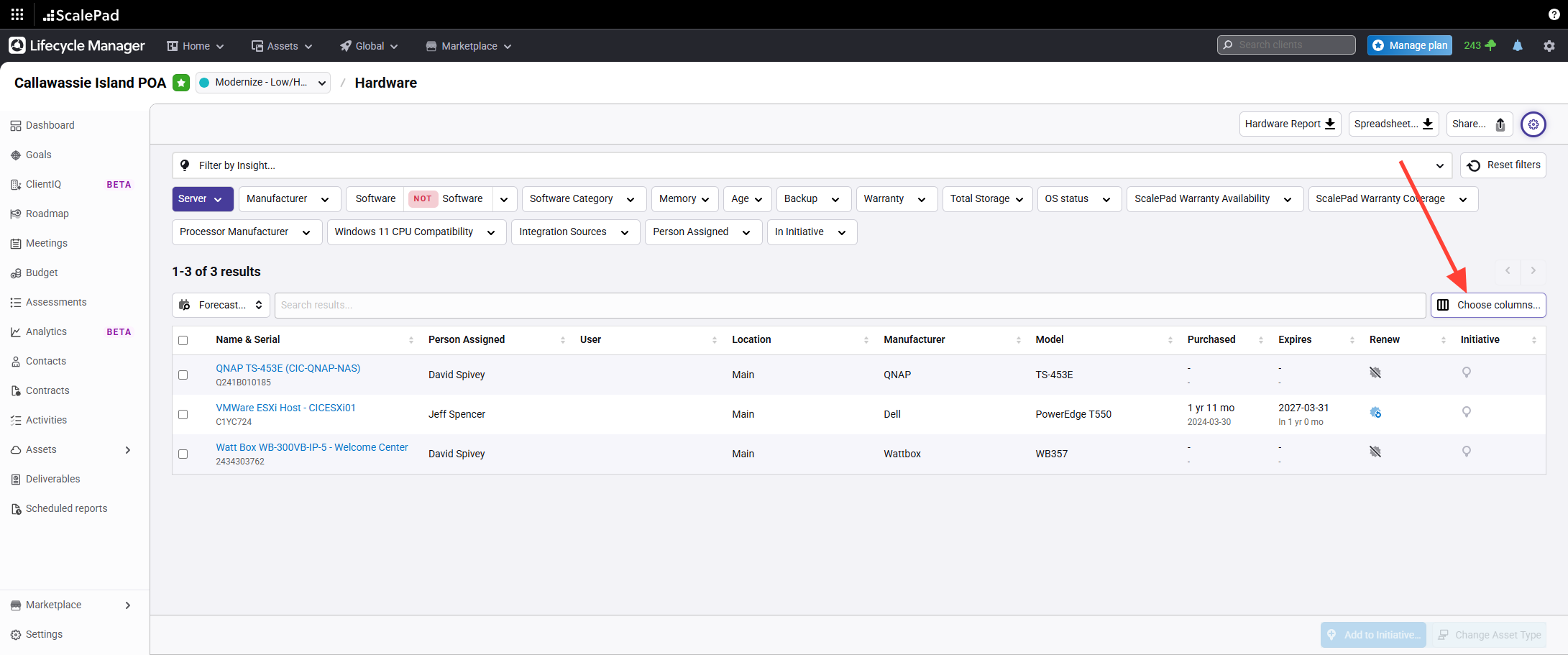
- Reset filters before managing server assets
Click Reset filters in Lifecycle Manager to clear previous filter settings.
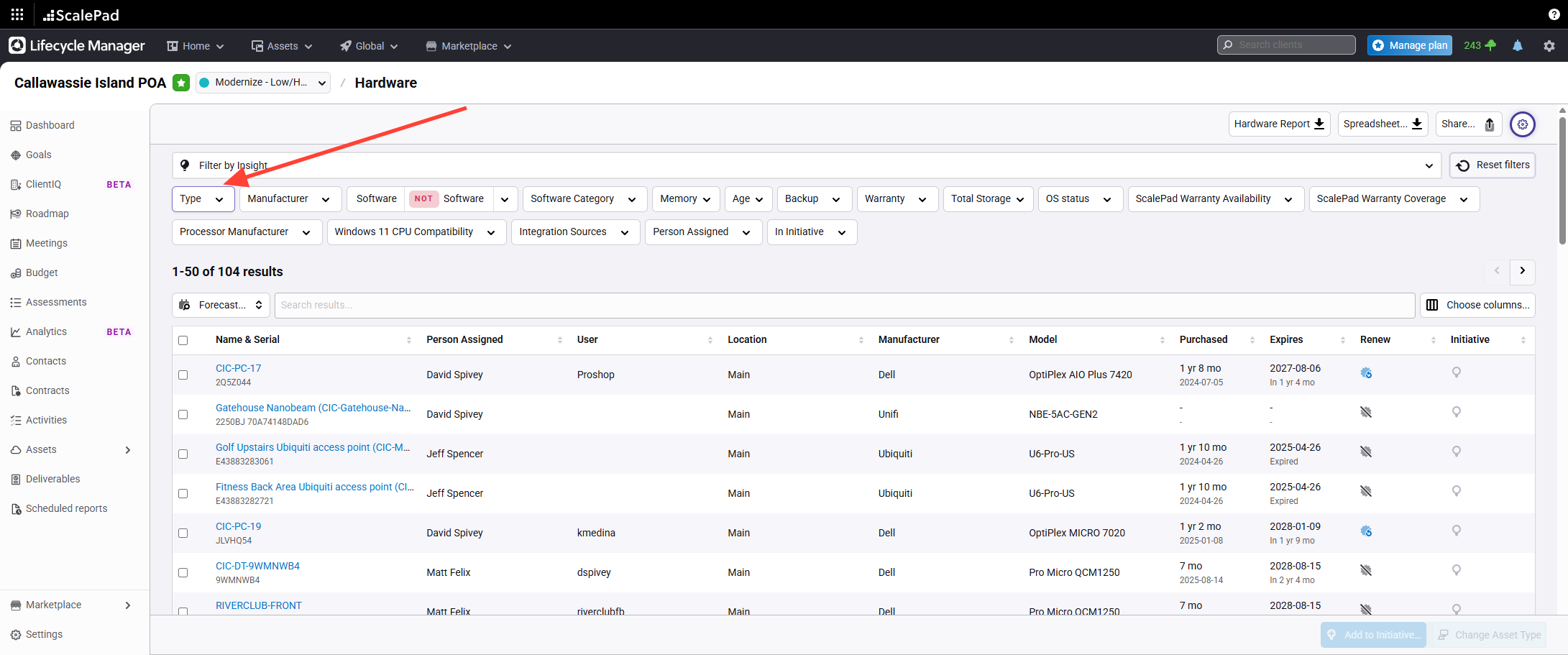
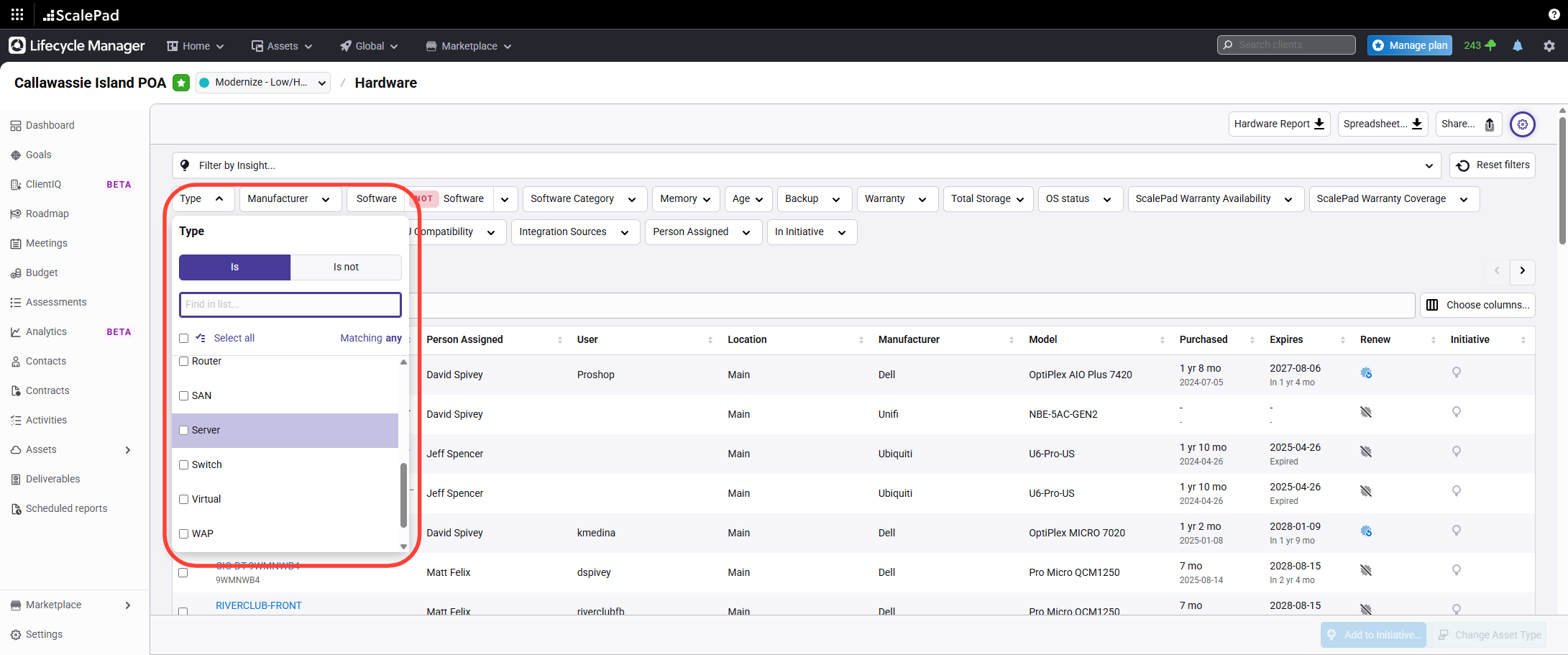
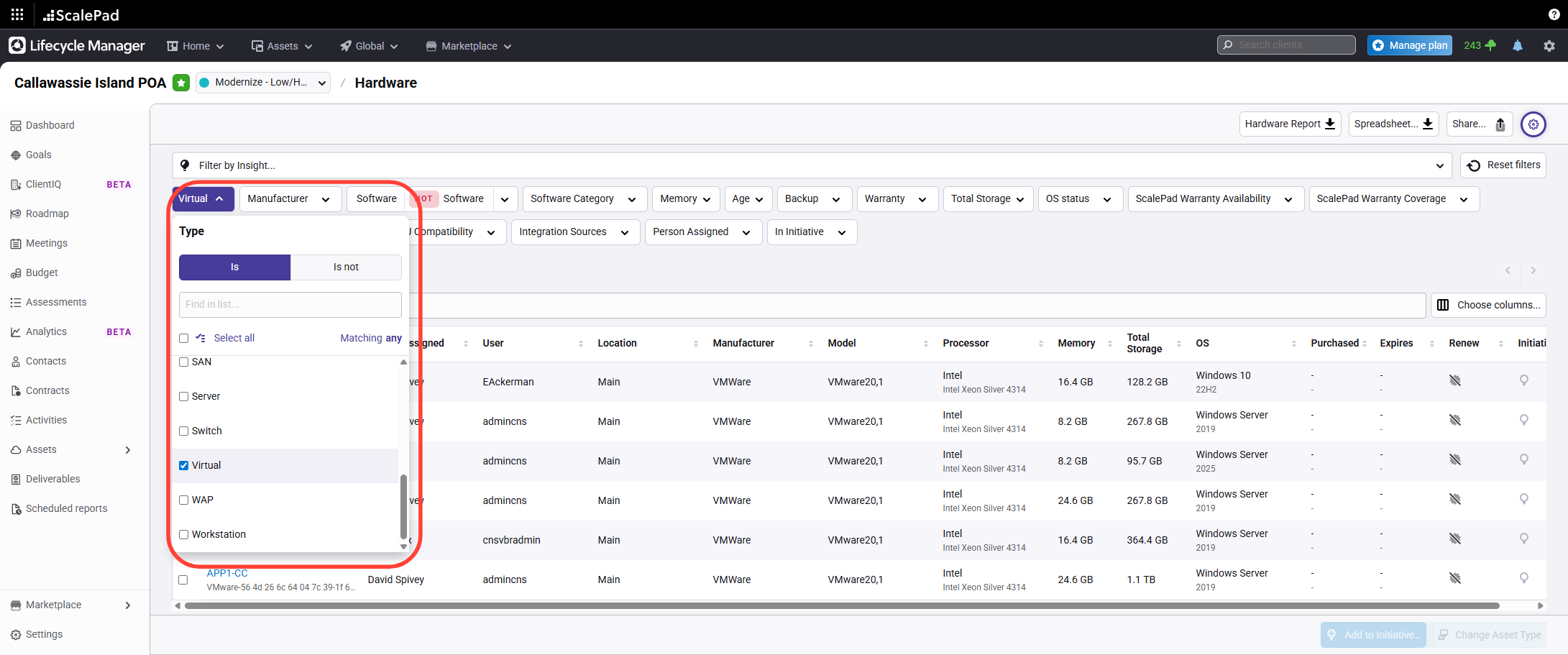
- Review server types in the list
Review the servers list to see both physical Server entries and Virtual Server entries.
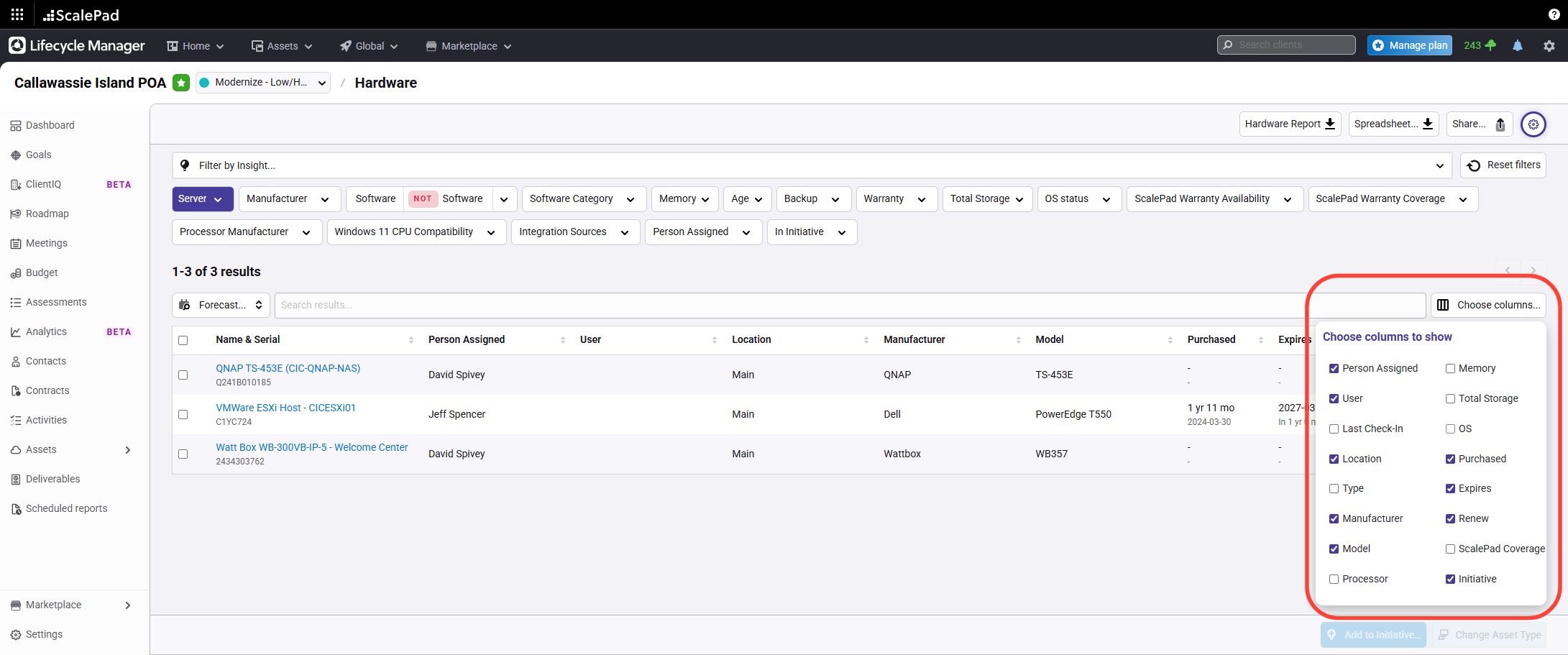
- Configure visible columns for server information
Click Columns and Select Operating System to display OS details and other available information.
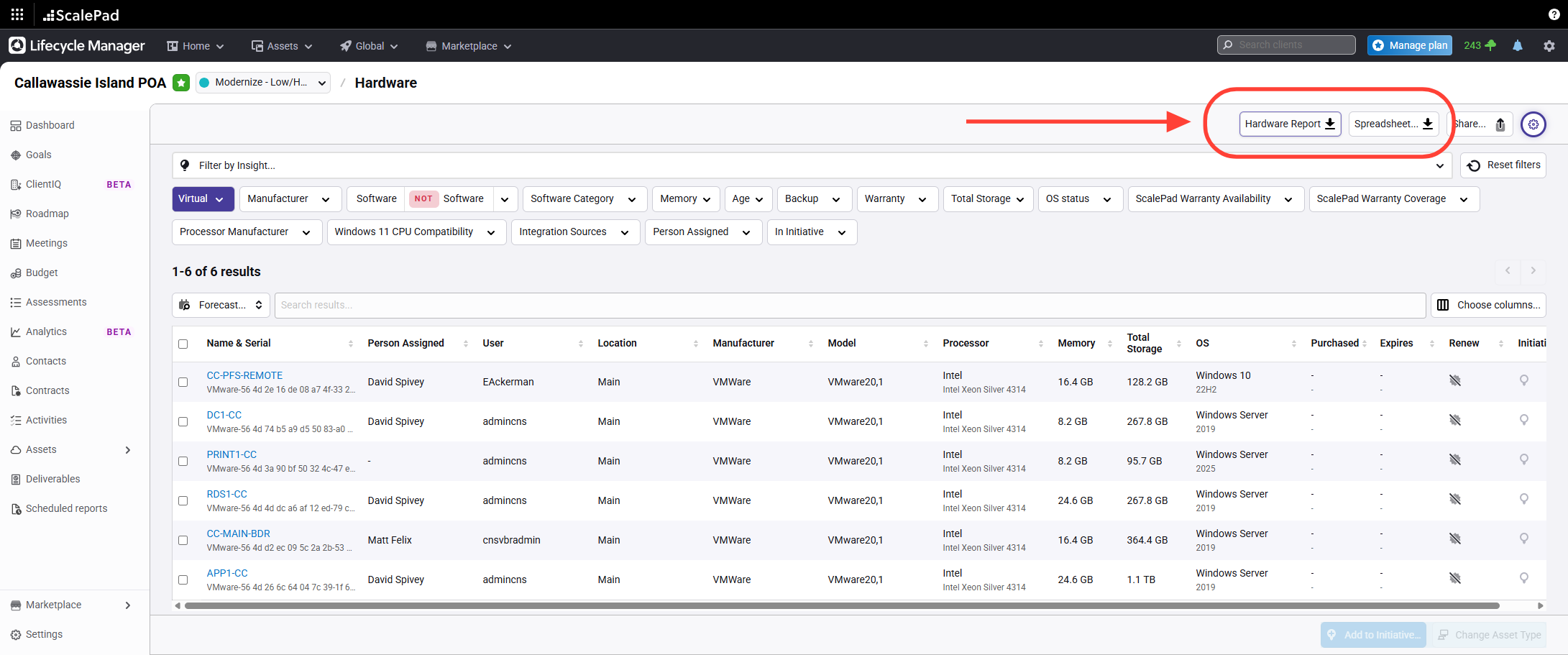
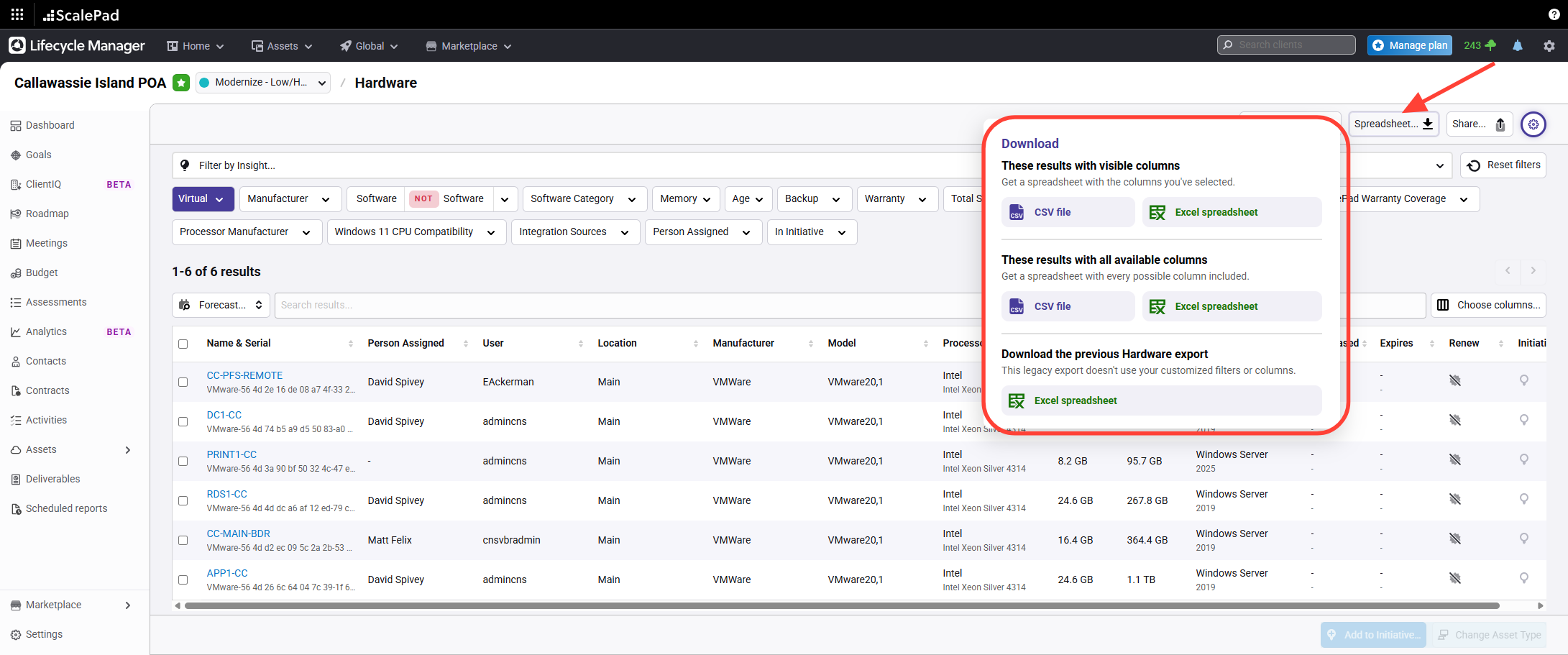
- Download a hardware report or export visible columns
Click Download hardware report or Export to download spreadsheets filtered to your visible columns.
Assets - Servers
Updated on