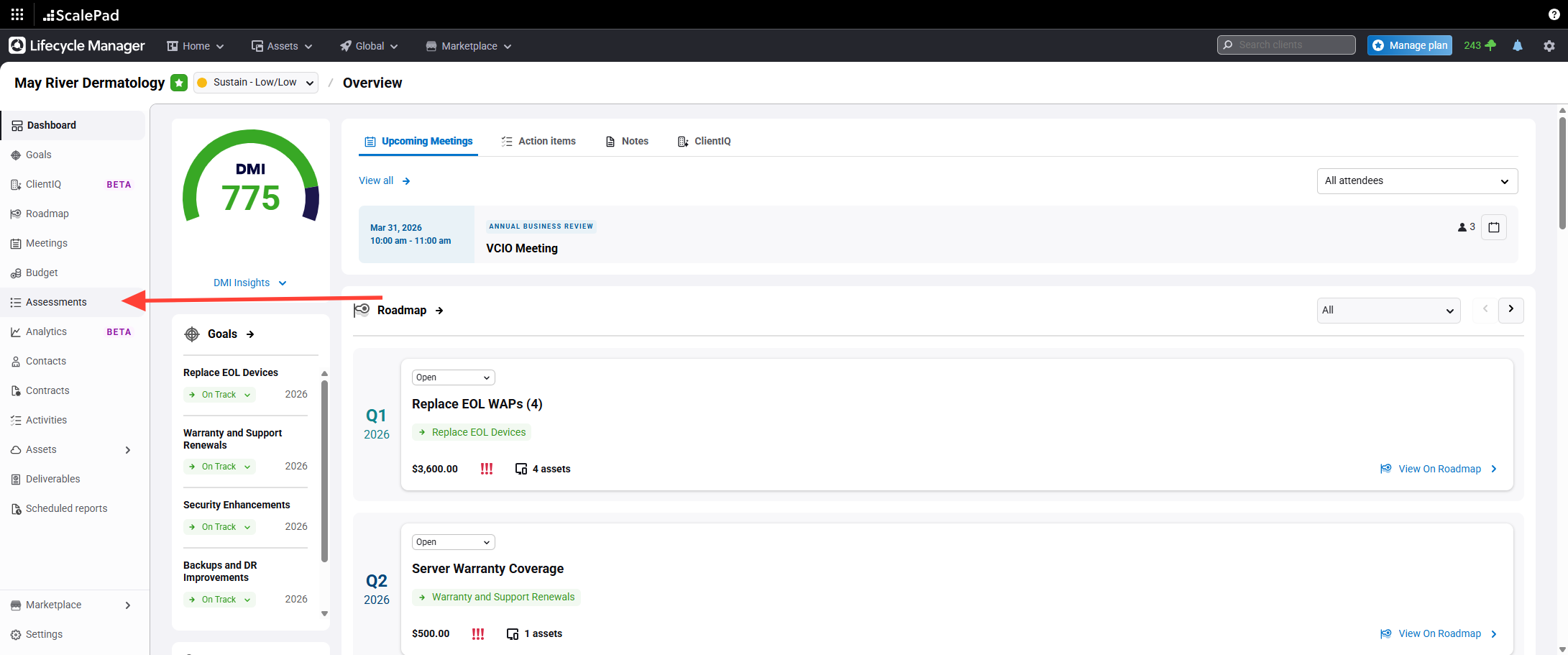
- Open the Assessments section
Click Assessments in the left-hand menu while inside a client.
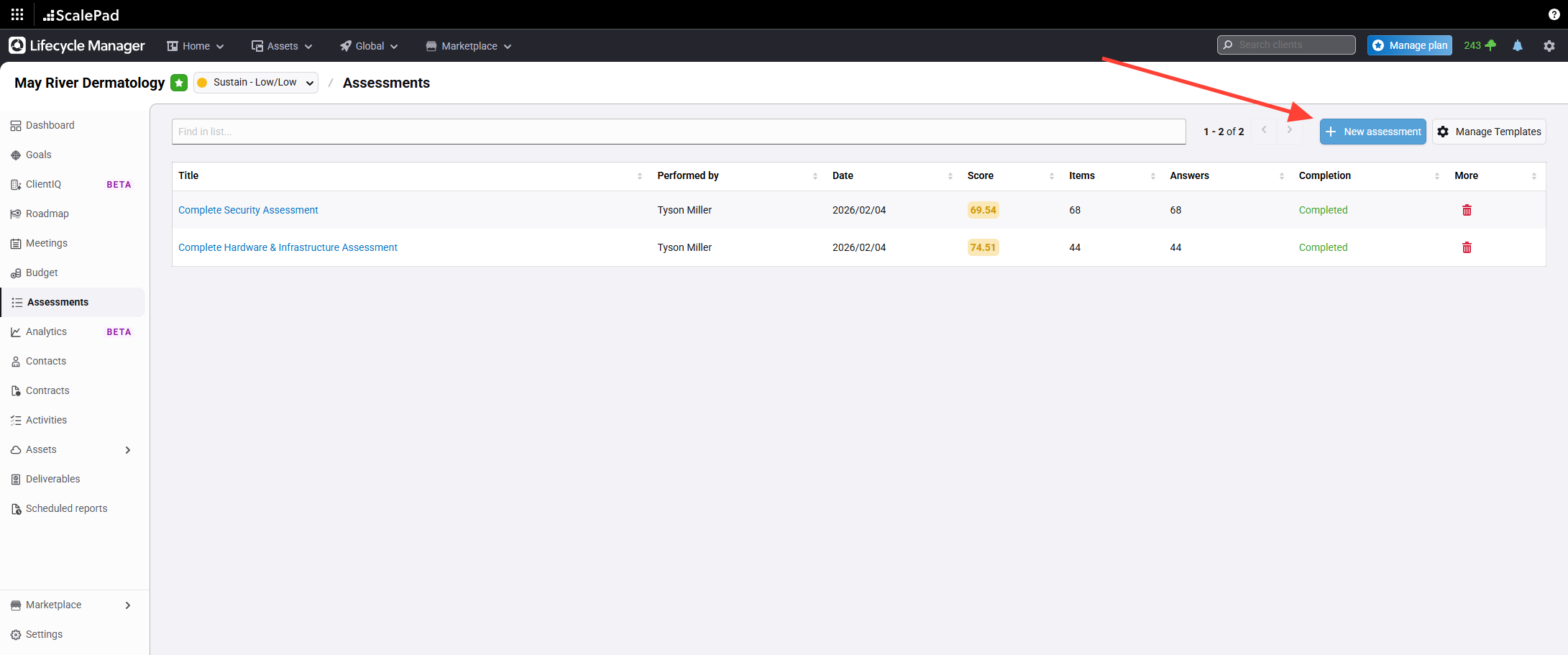
- Start a new assessment
Click New Assessment.
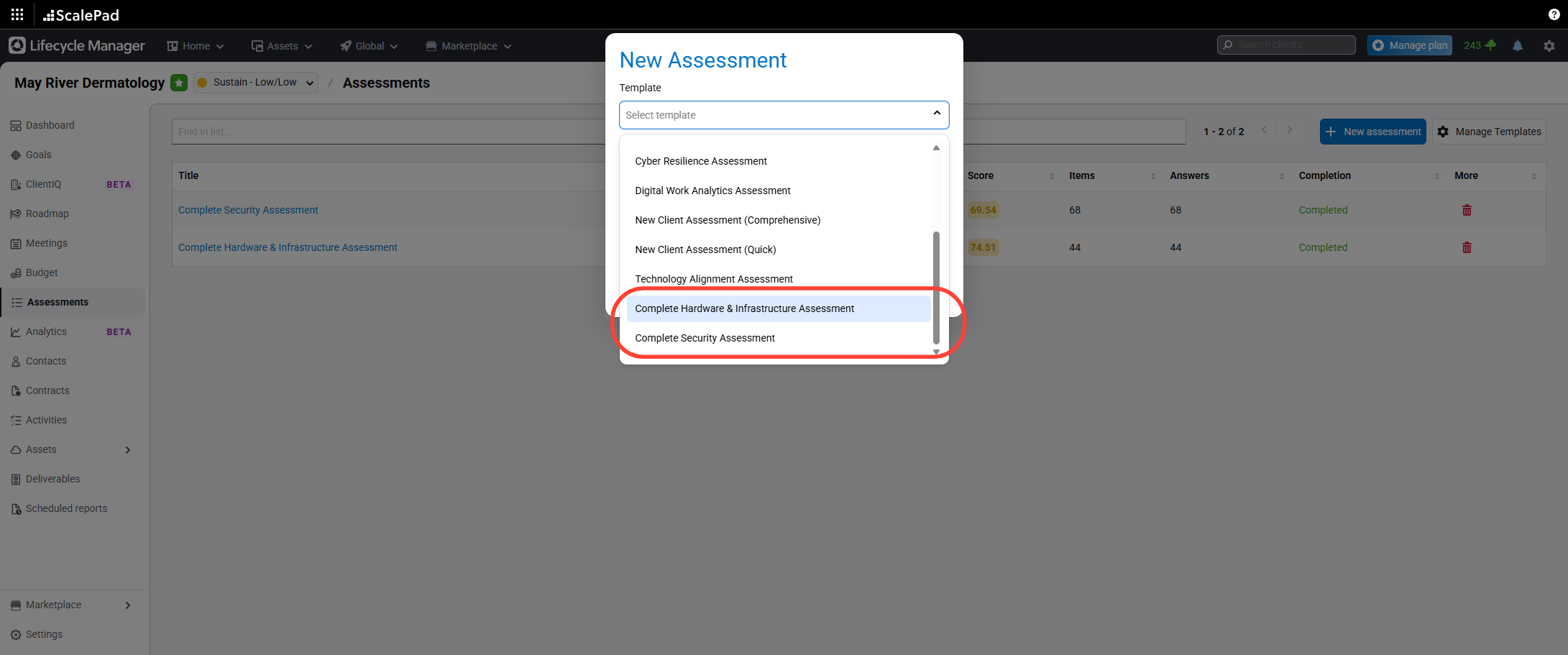
- Select an assessment template
Select either Complete Hardware and Infrastructure Assessment or Complete Security Assessment as the template.
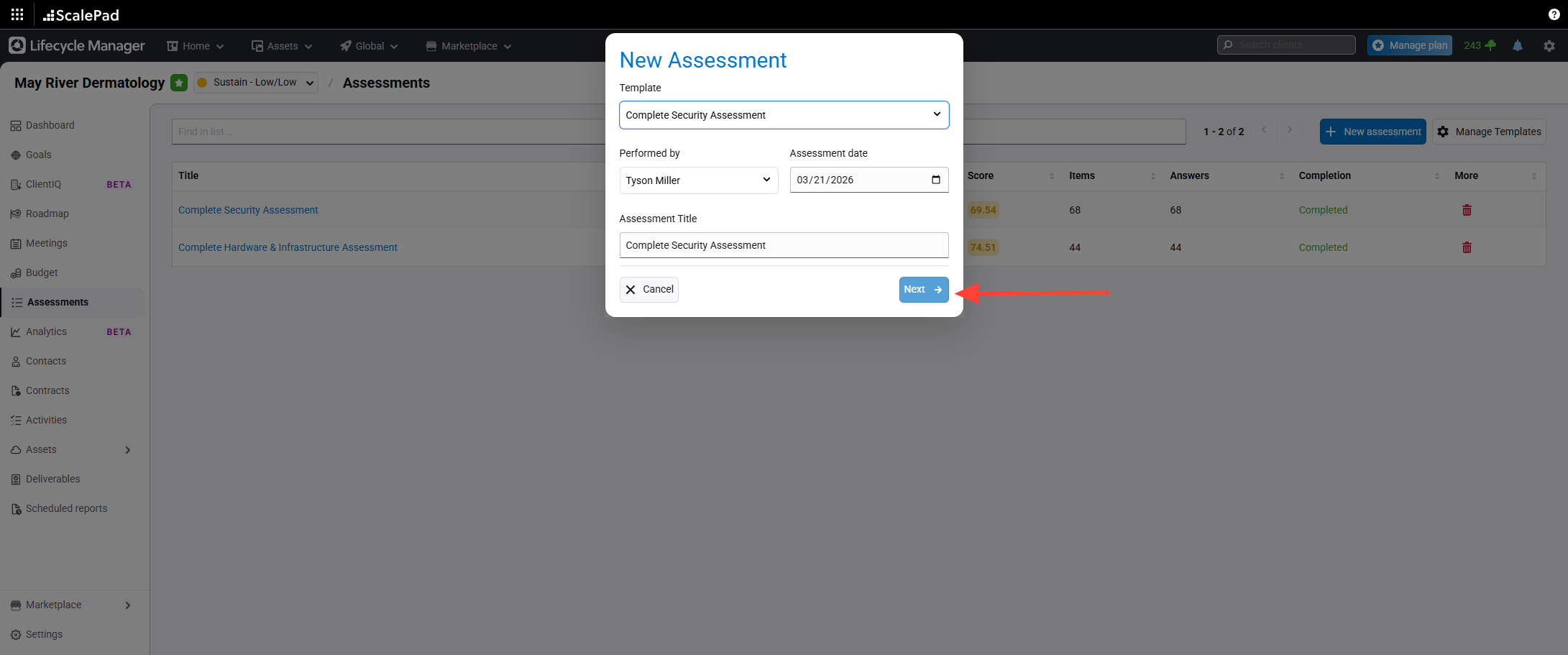
- Proceed to the next step
Click Next to continue.
- Begin answering assessment questions
Enter answers for the assessment questions.
NOTE: if a previous assessment of the same type exists, you will see the previous answers in the left-hand column
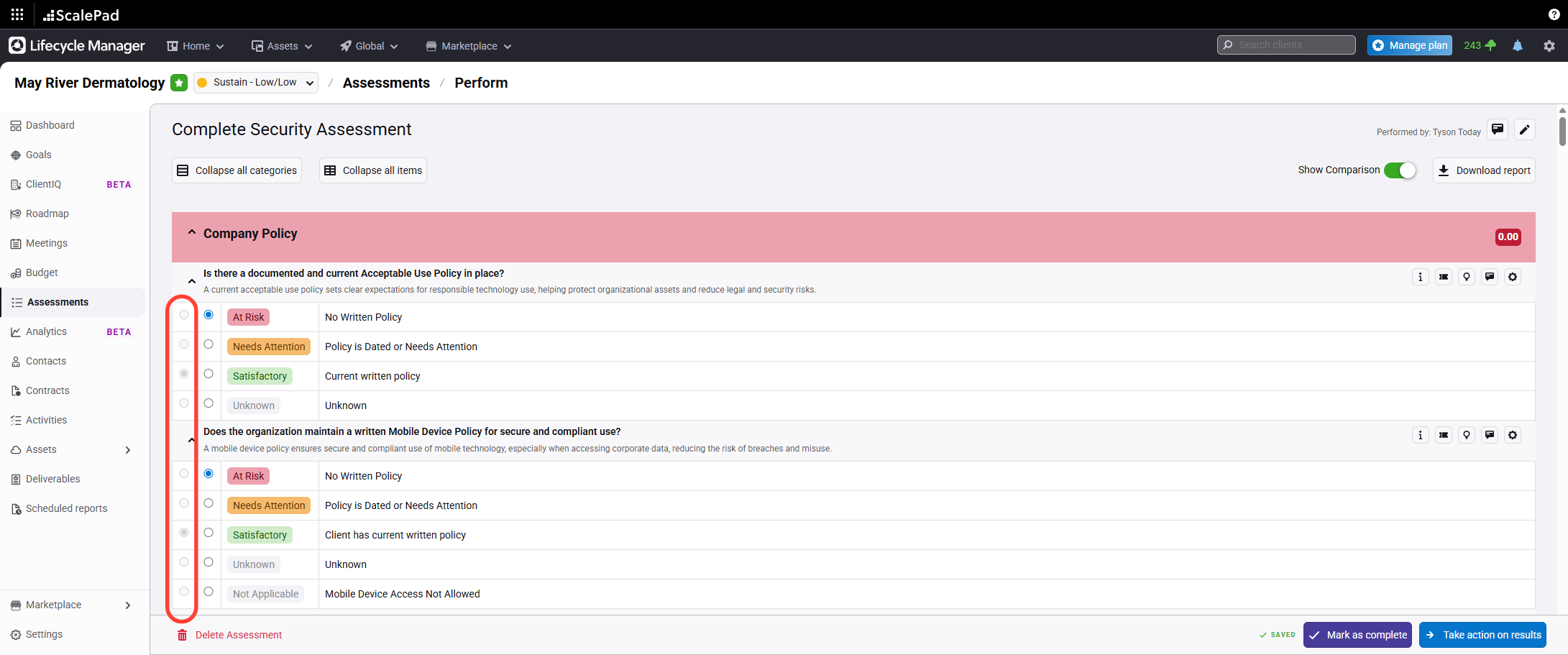
Starting New Assessment
Updated on