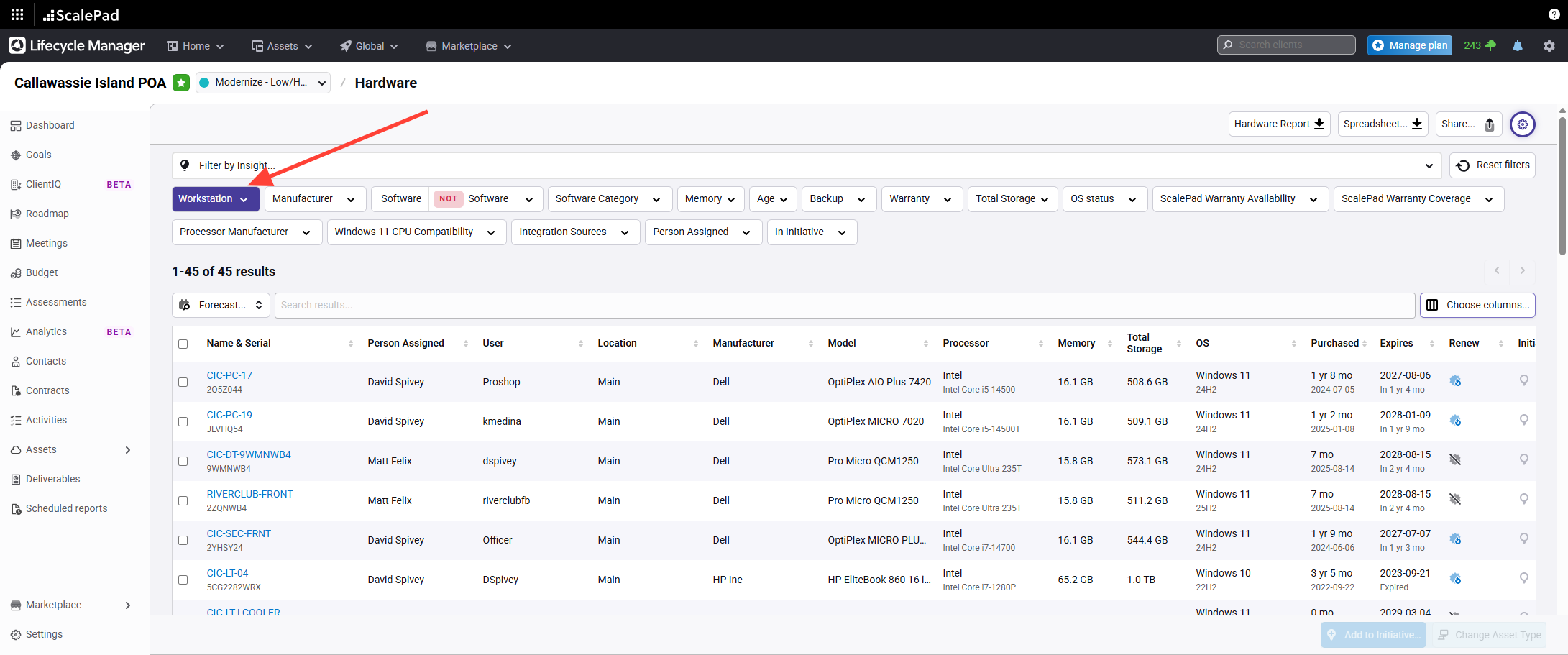
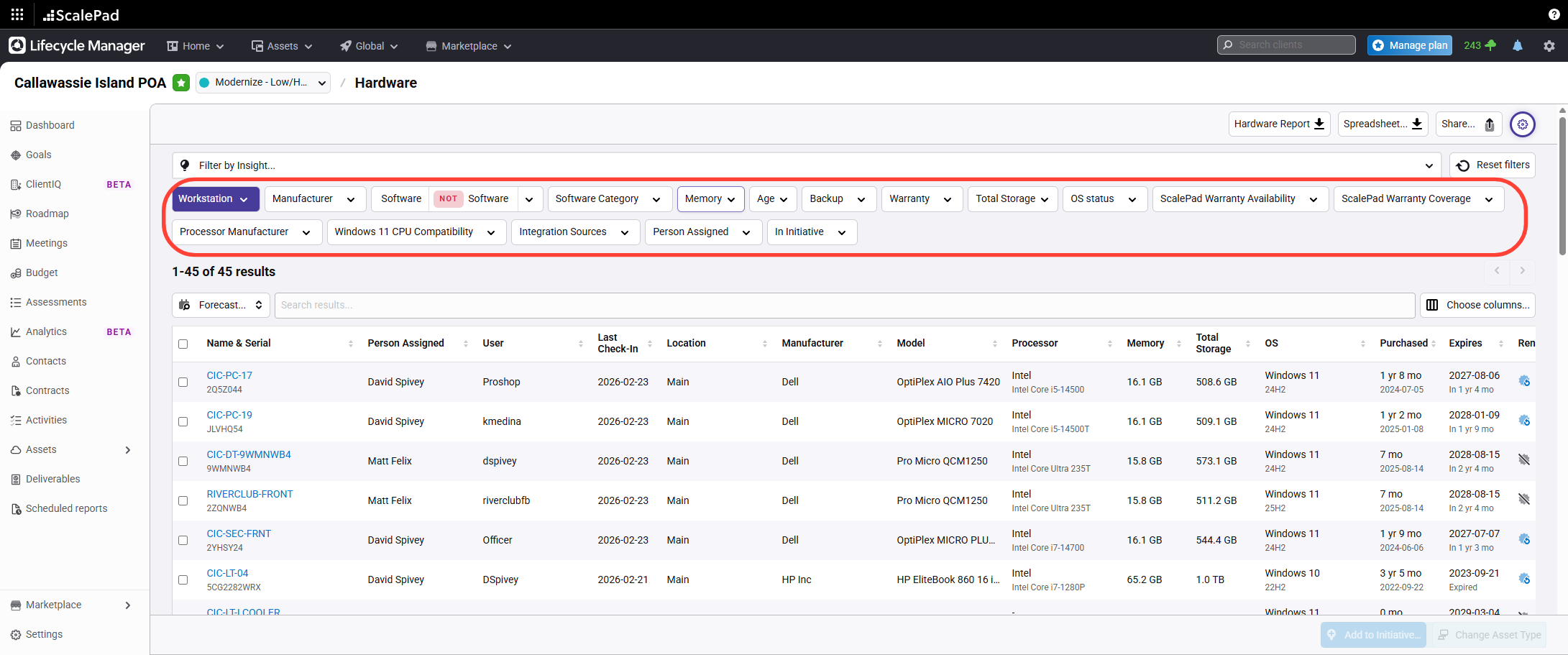
- Filter assets by Workstations
Click the Workstations filter to display Windows Workstations synchronized from Manage and Automate.
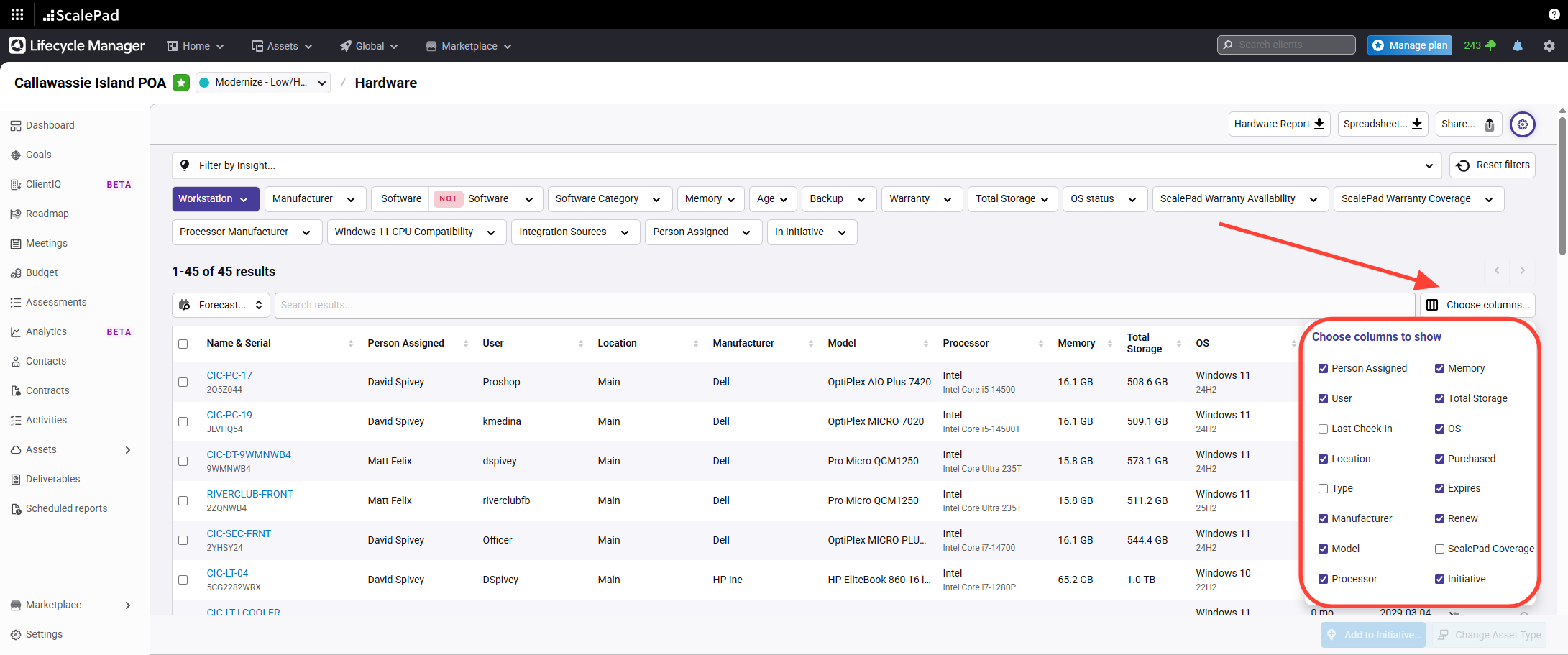
- Choose columns to display
Select preferred columns, including Last Check-In Date, Processor, and Storage (from Automate Sync).
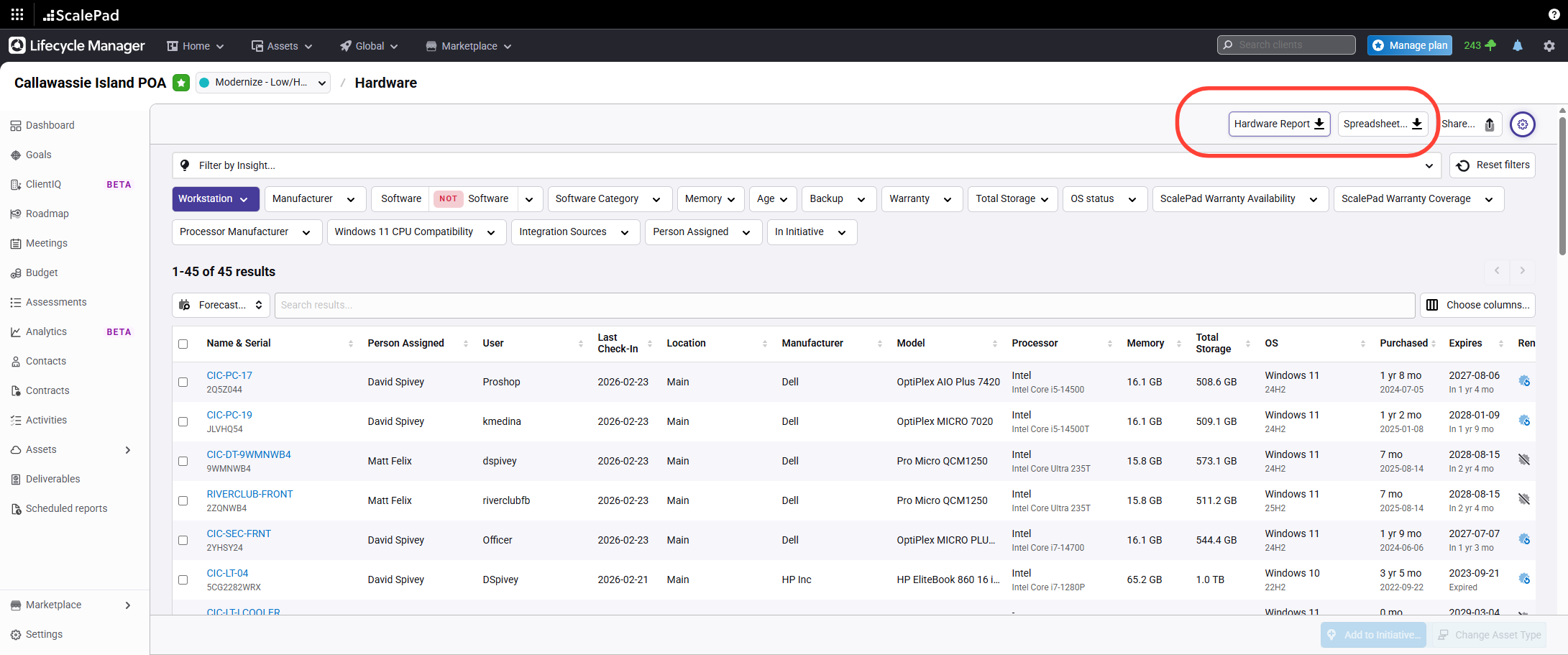
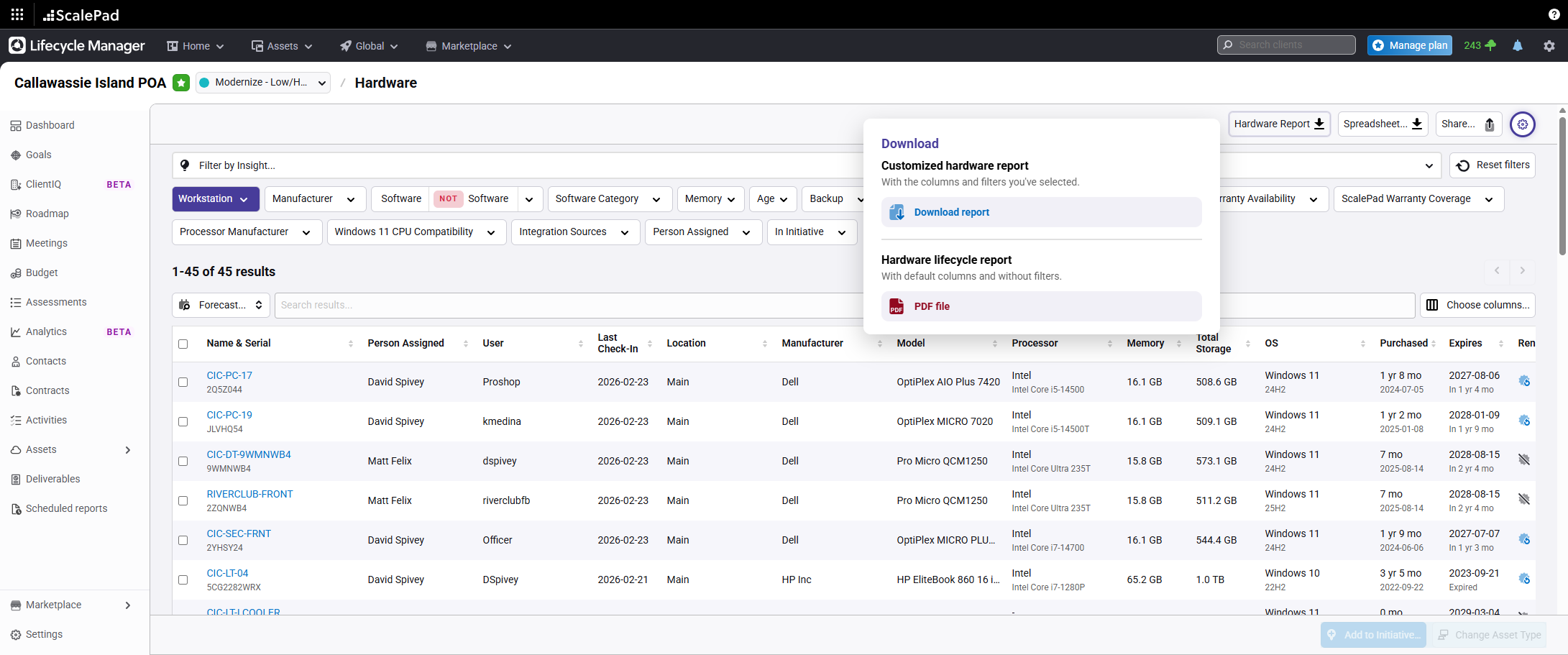
- Download a report or review an asset
Click Download to export a report, or click an individual asset to view its details.
- Apply additional filters
Filter workstations by criteria such as Processor, Compatibility, Now Works, Memory, Age, Warranty, Storage, Supported/Unsupported OS, and Warranty Coverage.
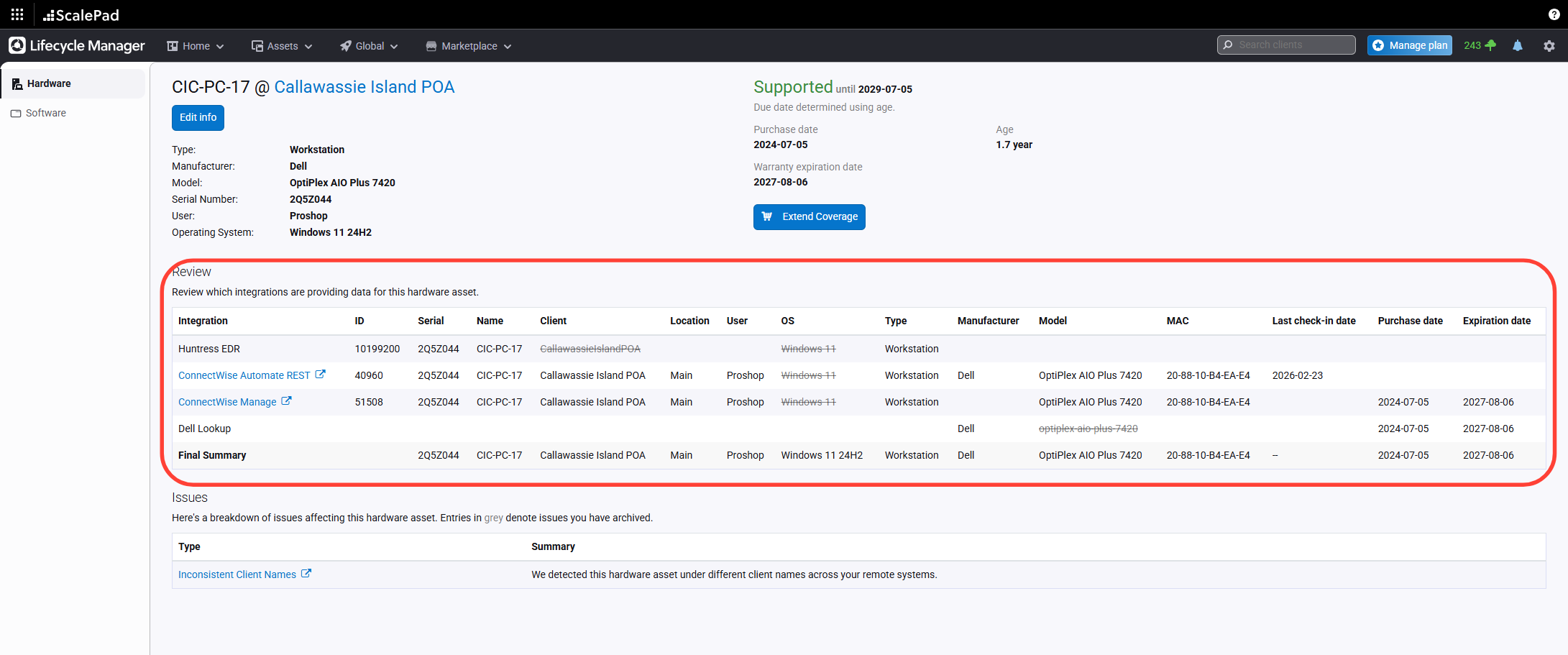
- View asset source information
View Click on the same of any asset the source details for the selected asset.
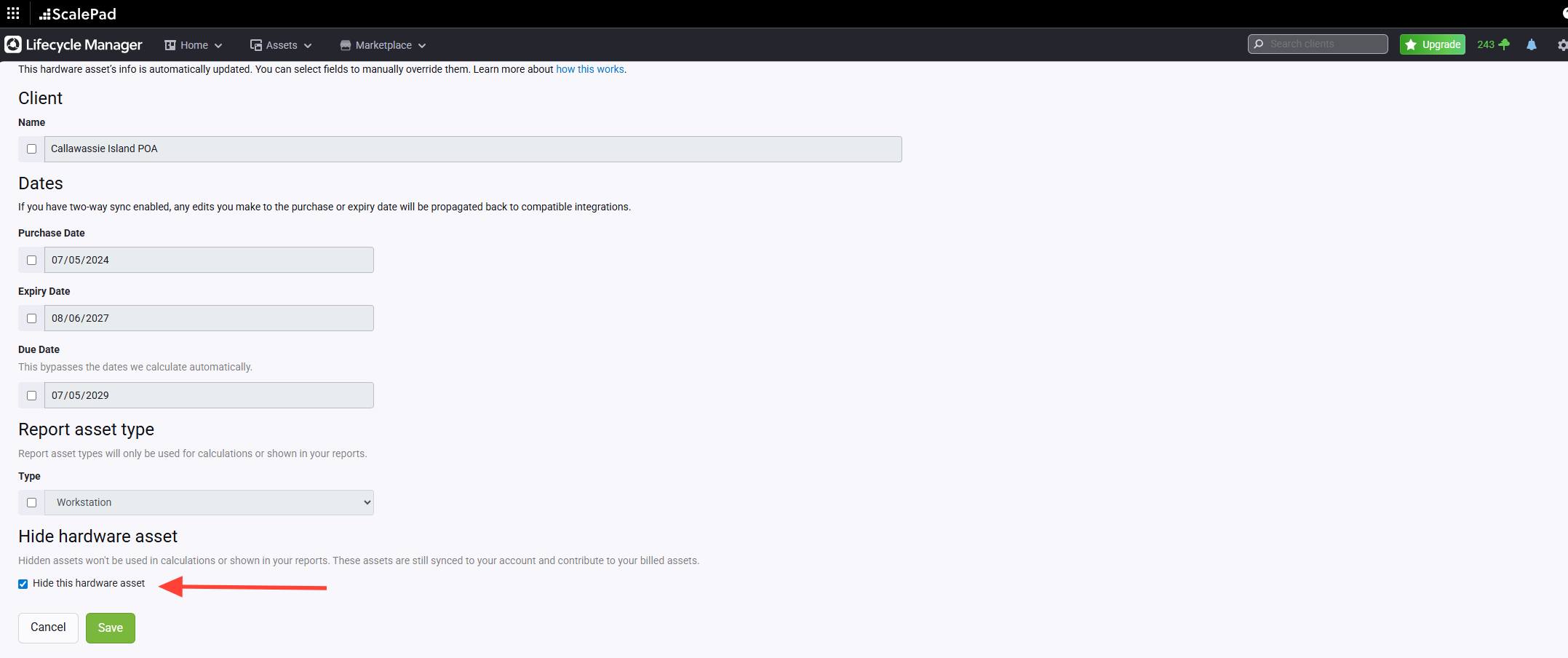
- Edit or hide a workstation
Edit asset information or hide a workstation from the report as needed.
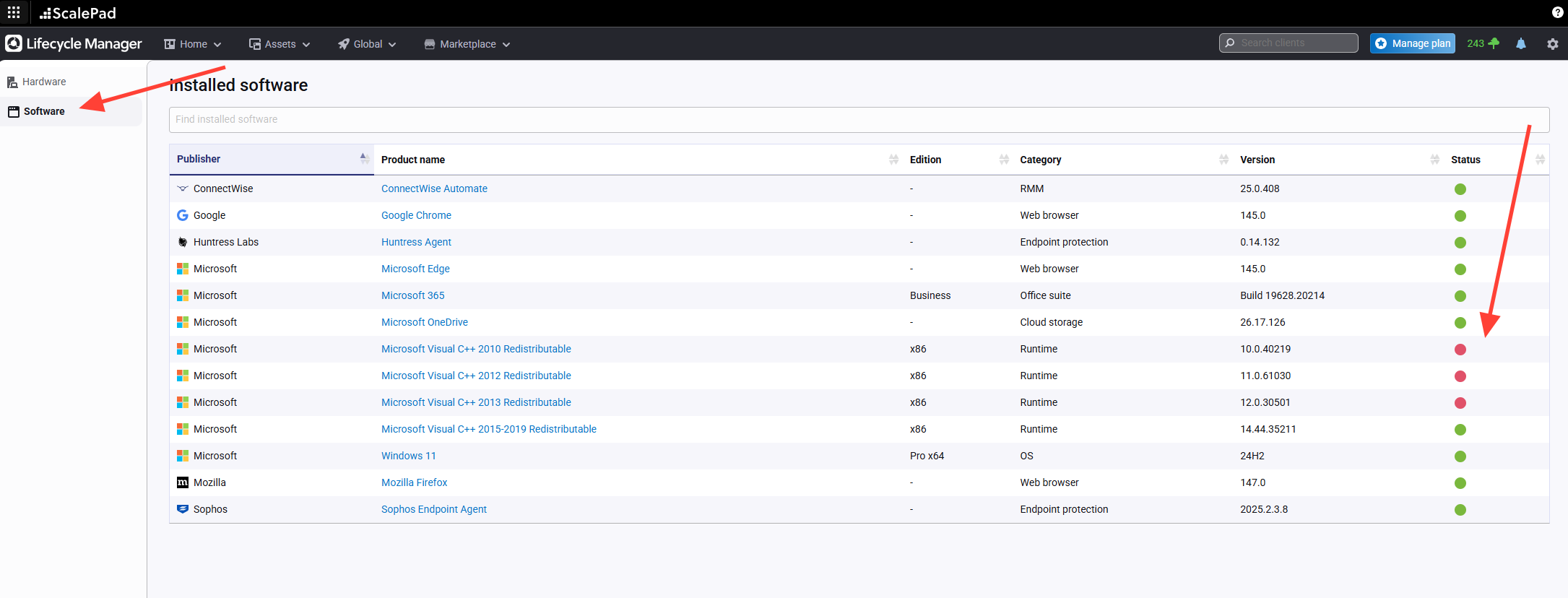
- View detected software and flags
Click the Software tab to see detected software and any associated flags, such as out of support.
Assets - Workstations
Updated on