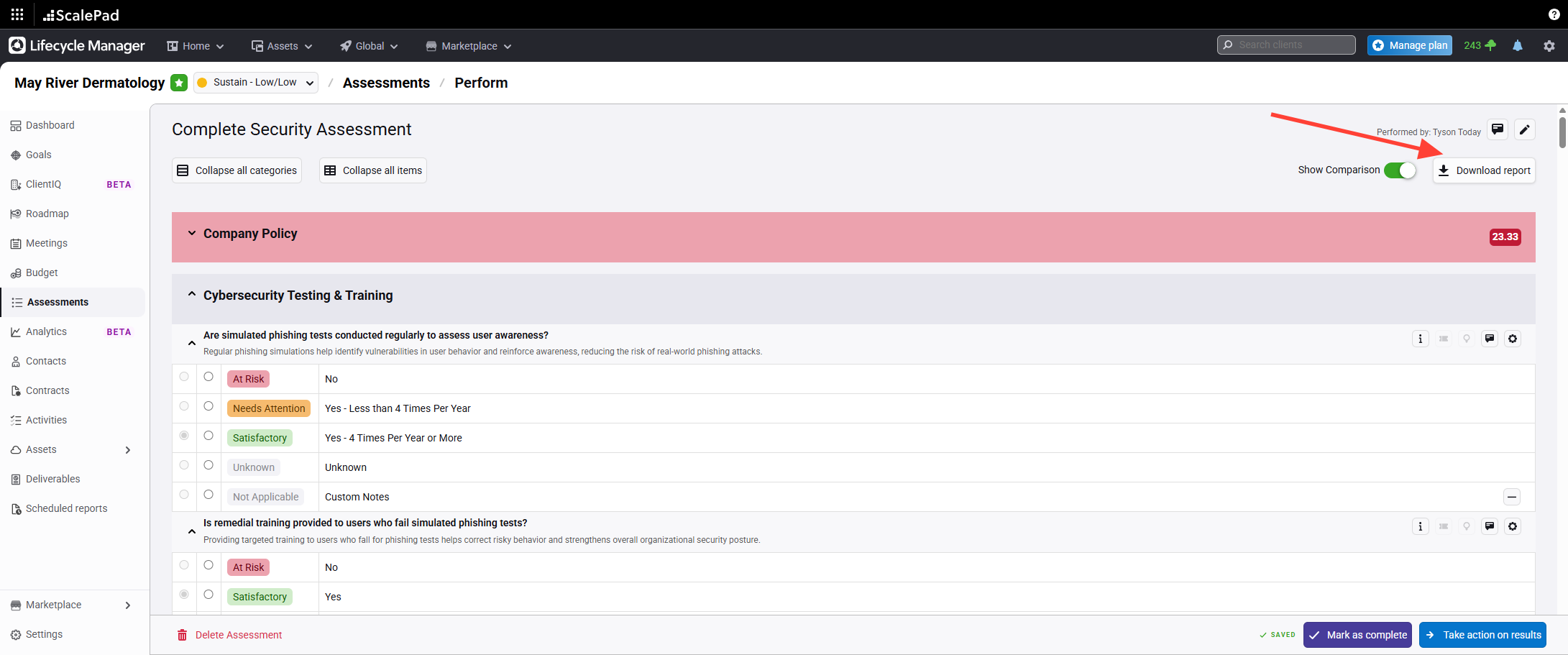
- Open the assessment report download menu
Click the Download Report button on the completed assessment page.
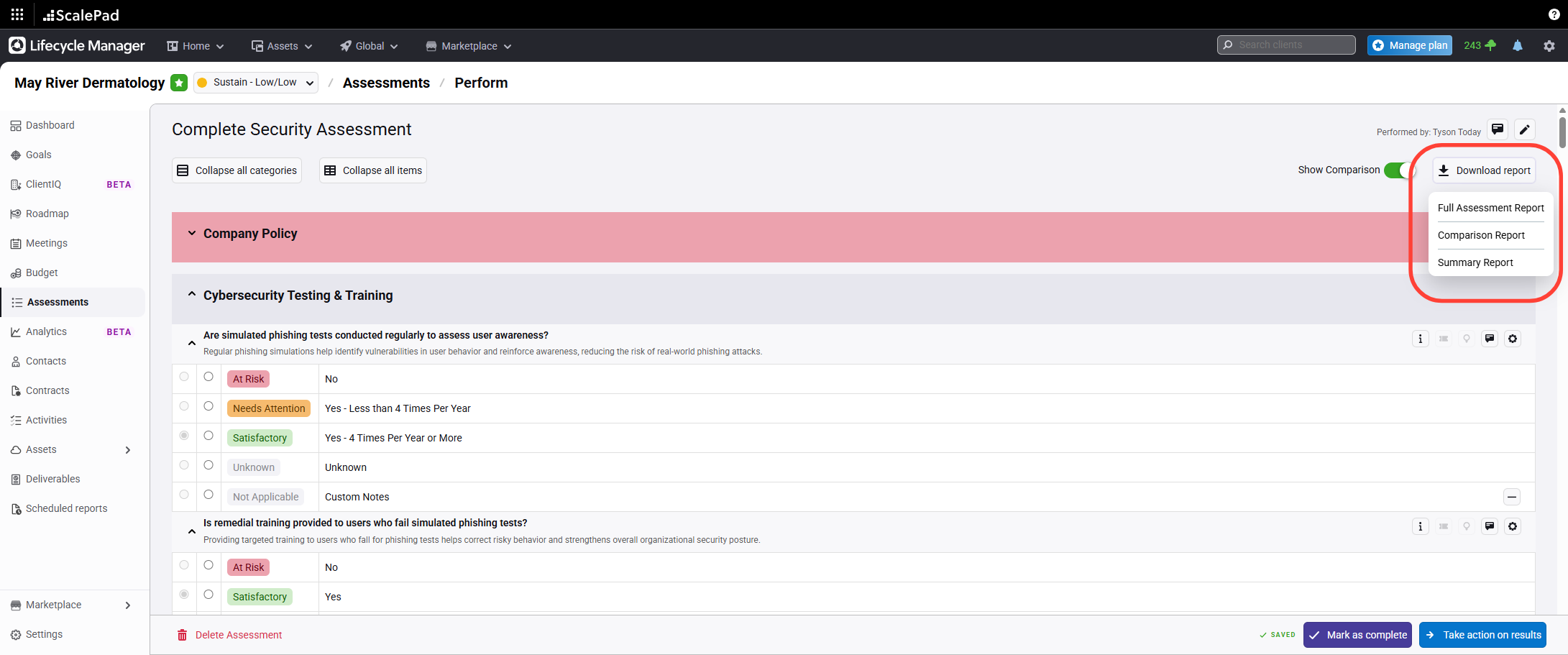
- Select the report type
SelectFull Assessment Report, Summary Report, or Comparison Report from the menu.
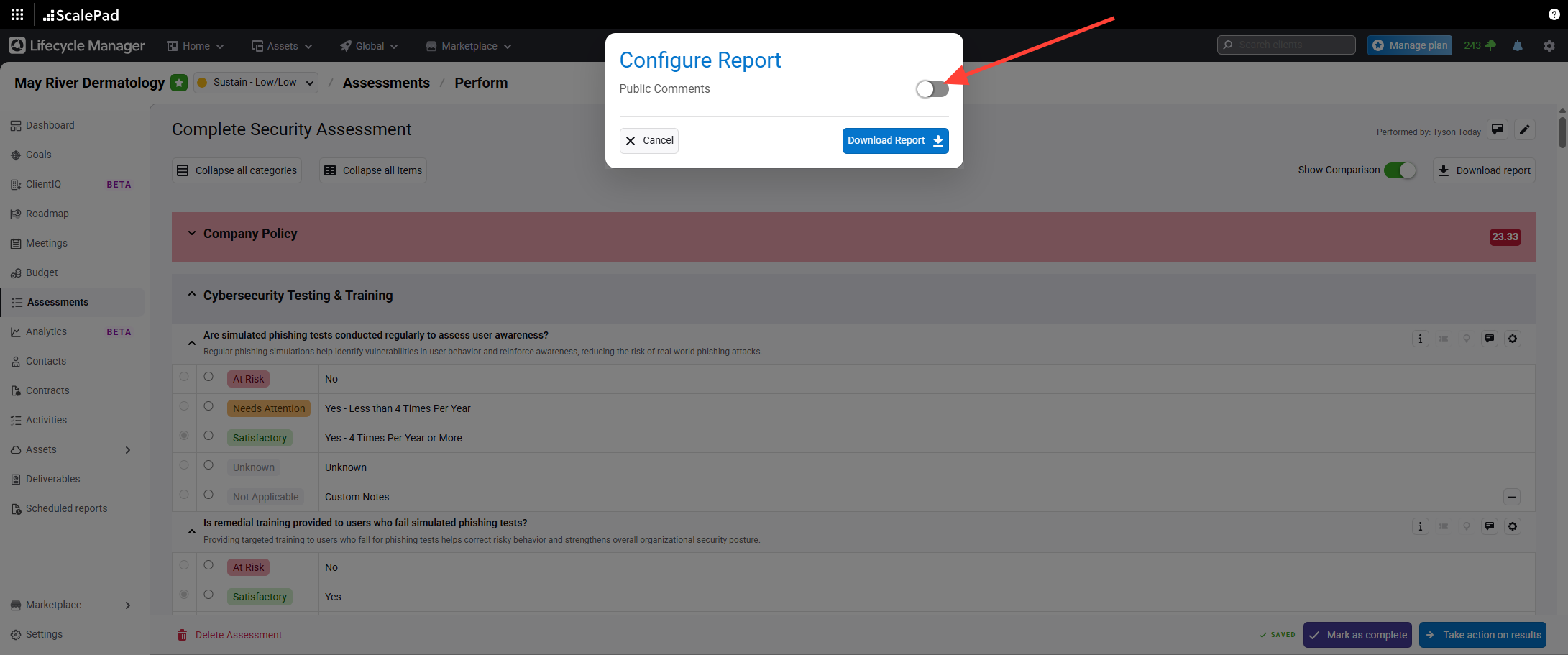
- Choose to include or exclude public comments
Select whether to include public comments in the report.
Download Assessment Report
Updated on